
Inbox sync & booking links · live today
Gmail and Outlook sync with meeting booking links
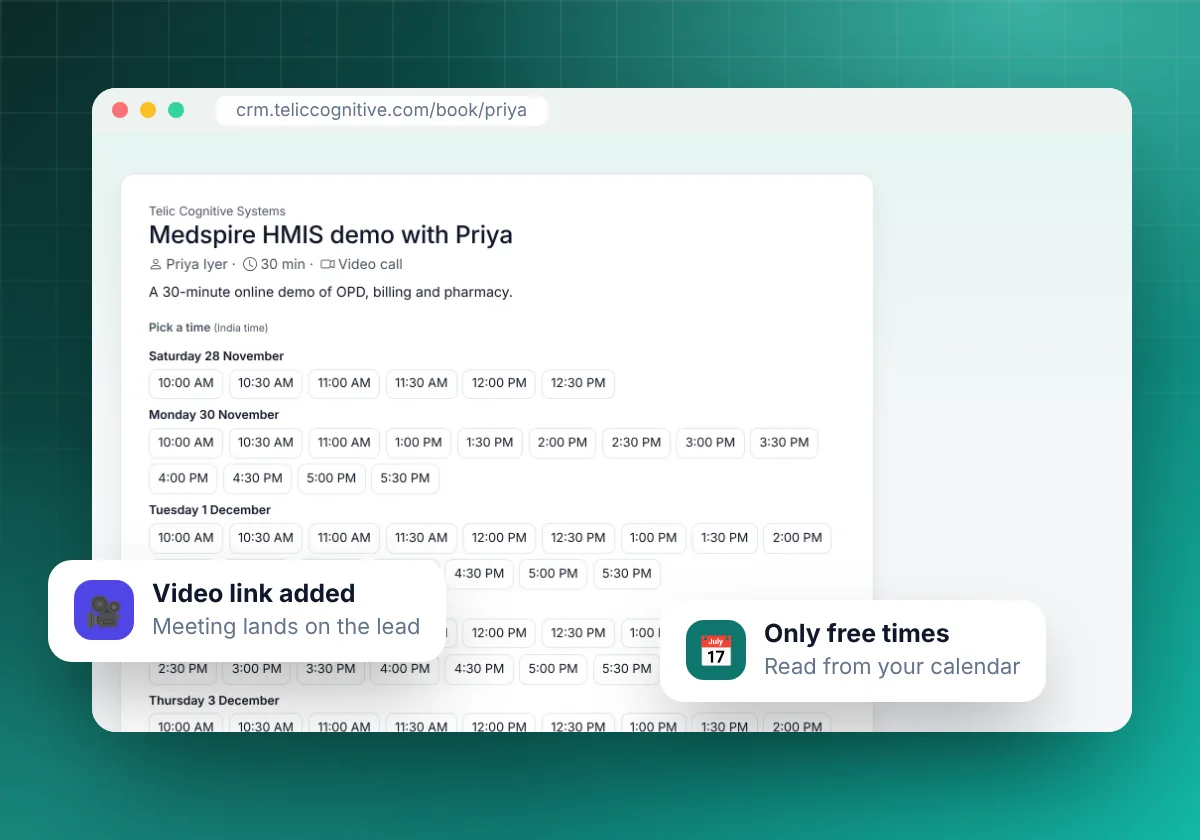
Gmail or Outlook e-mails on the right lead, and a link customers use to book a free slot.
The problem
E-mails with customers sit in personal inboxes, and booking a demo takes five messages to agree a time.
What it does
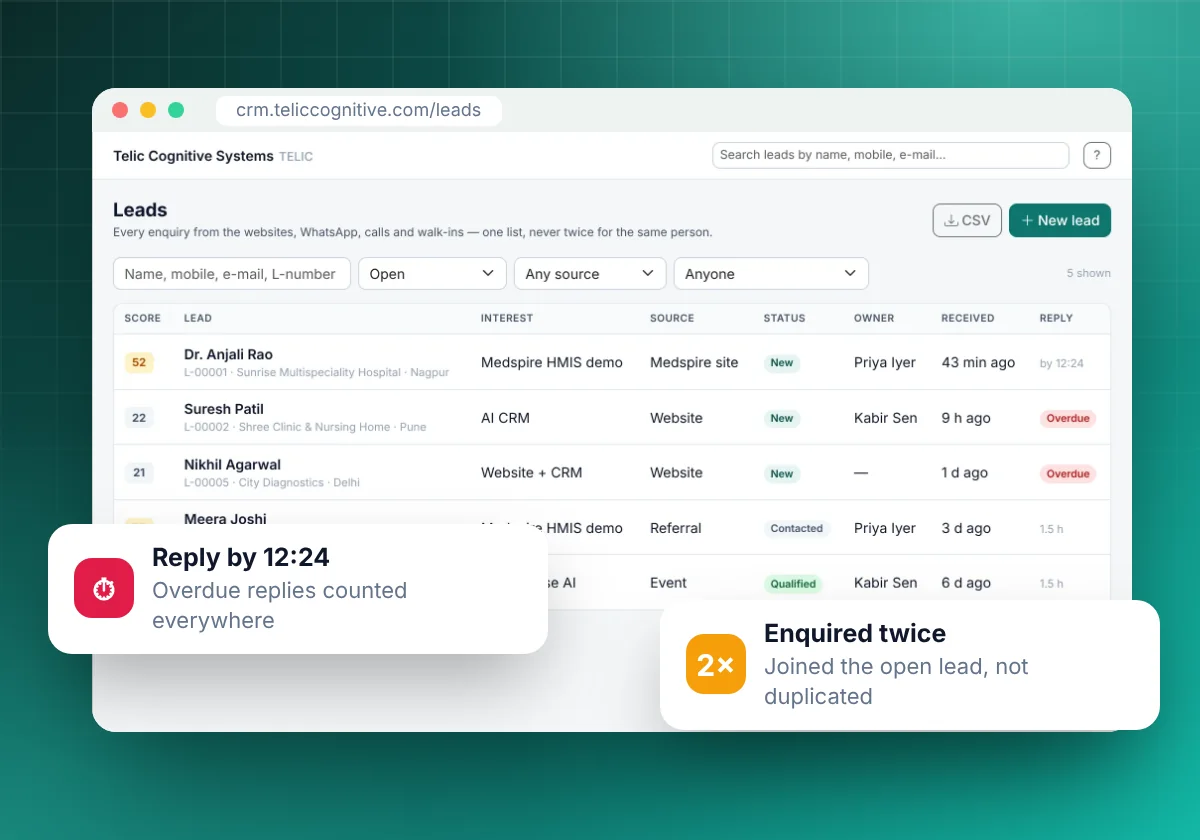
- Two-way Gmail and Outlook sync: e-mails with a lead or contact appear on its timeline
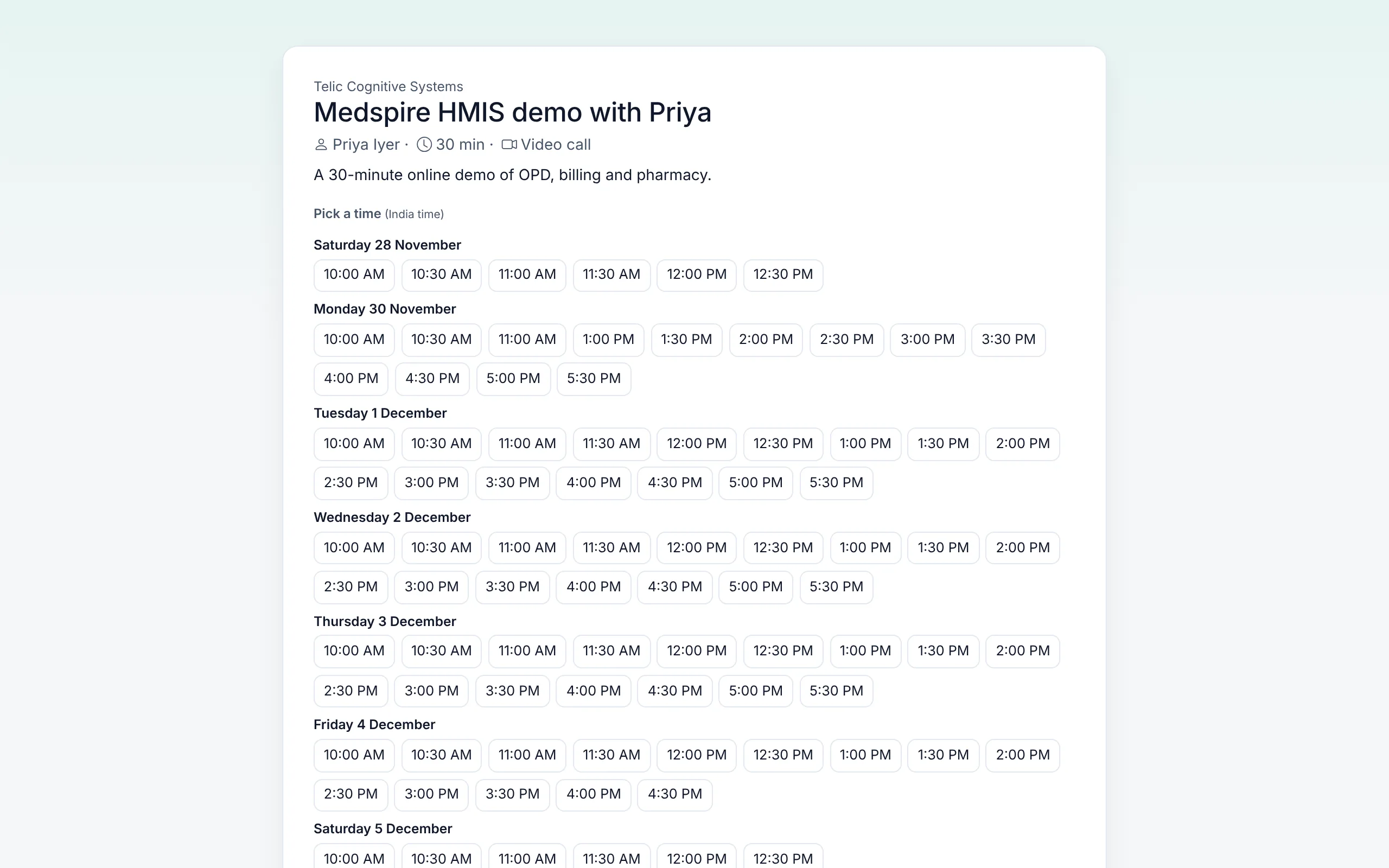
- A personal booking page that only shows times free in your calendar
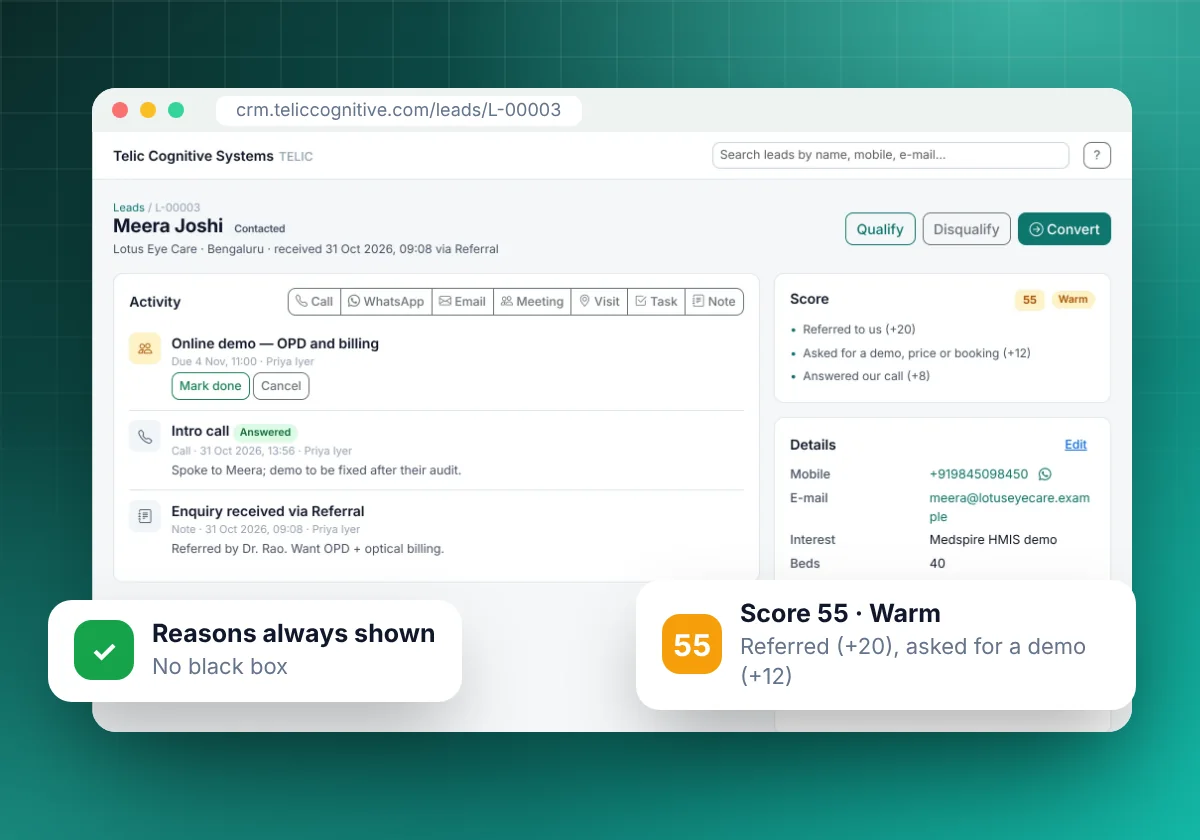
- Booked meetings land on the lead, in your calendar, with a video link
- Reminders and a cancel link for the customer
How it works
From first step to done
Connect your mailbox
Sign in with Google or Microsoft once.
Share your link
From the CRM or the phone app.
They book
The meeting is on the lead and in your calendar.
Questions
Inbox sync & booking links: frequently asked
Step-by-step help in the user guide:
Which mailboxes can be connected?
Gmail and Google Workspace, and Outlook or Microsoft 365.
Are personal e-mails copied?
Only e-mails with addresses that belong to a lead or contact are filed; you can exclude domains.
Where do booked meetings go?
On the lead or contact, in your calendar with a video link, with a reminder and a cancel link for the customer.
See it with your own leads
A 30-minute demo on your process, or a trial workspace set up for your industry.