
Sales activity tracking: calls, tasks and e-mail
Every call, visit and promise on the record.
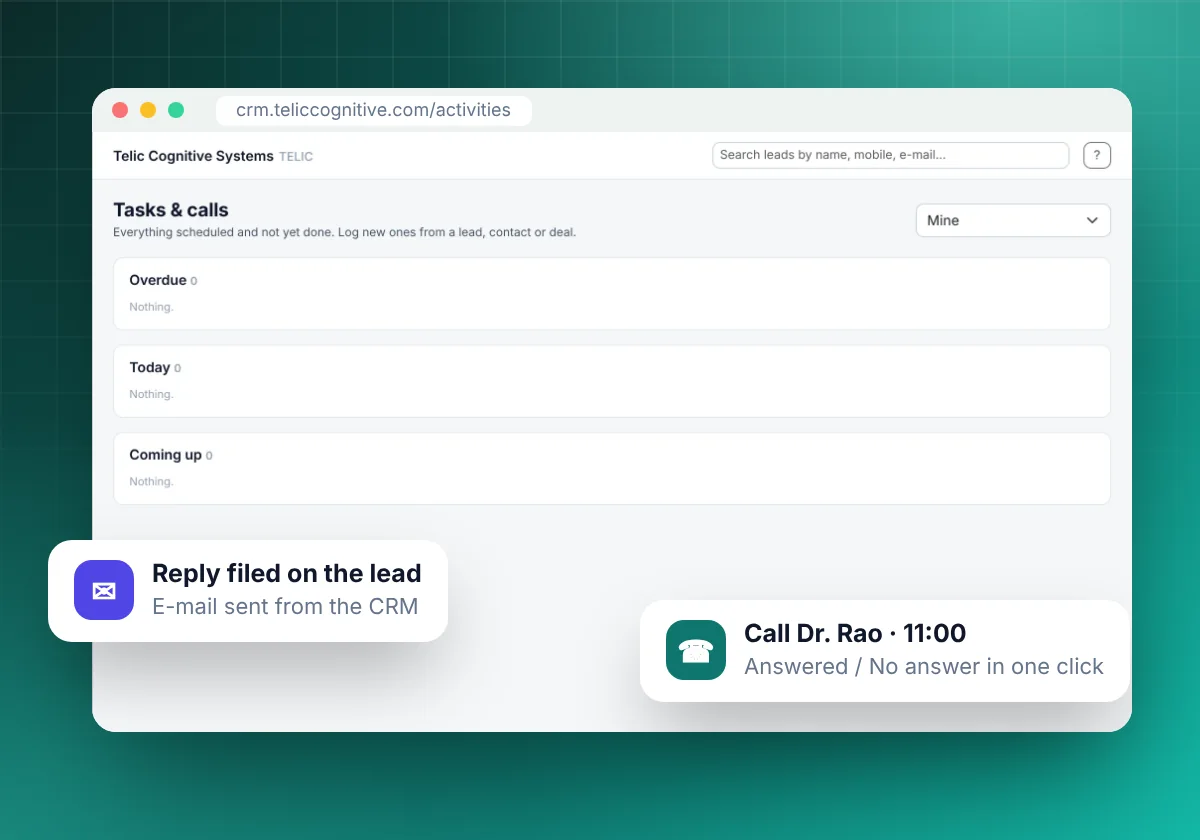
"I'll call you on Monday" lives in a rep's head. When they are on leave, nobody knows the promise was made.
What it does
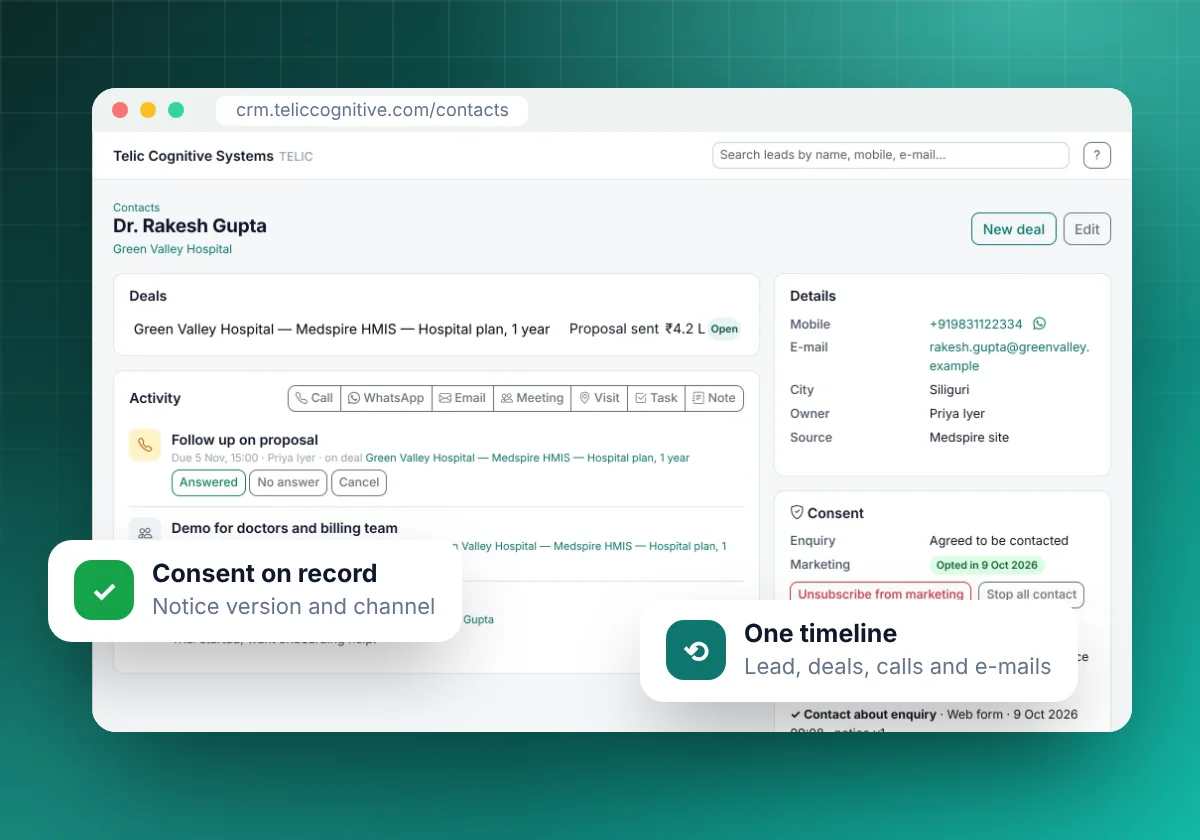
- Log calls with their outcome, WhatsApp messages, e-mails, meetings, visits and notes
- Send e-mail from a lead, contact or deal; the reply comes back to the same record and its owner is told
- Schedule a call or task for later; it appears on the owner's Today list
- Tasks & calls: overdue, today and coming up, with one-click Answered / No answer
- The timeline of a customer includes the lead they came from and every deal
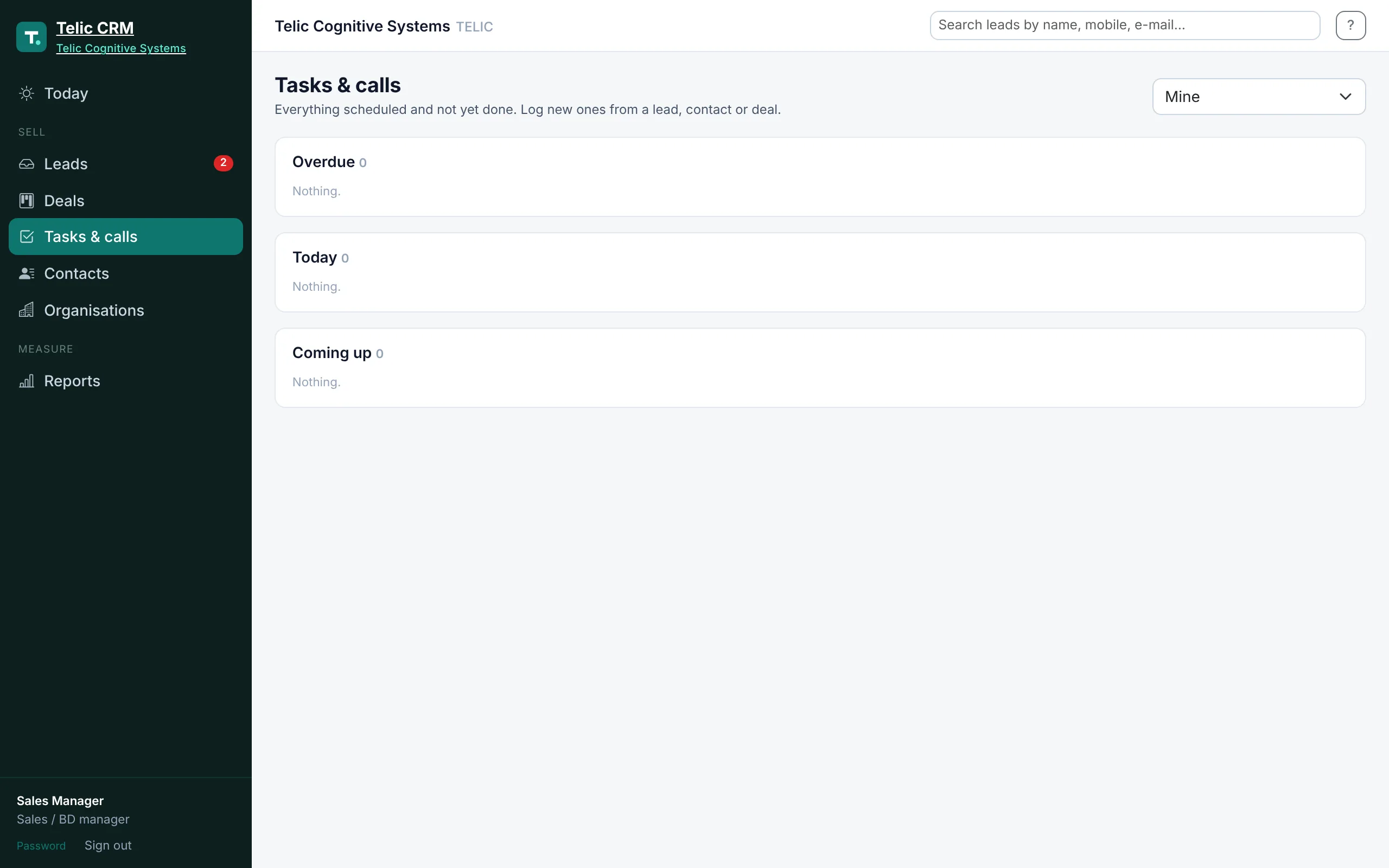
From first step to done
Log it
Pick the kind, write a line, choose the outcome.
Schedule it
Set a time — it becomes a task on Today.
Close it
Mark it answered, done or cancelled; the lead's score updates.
Activities & tasks: frequently asked
Step-by-step help in the user guide:
Can we send e-mail from the CRM?
Yes. E-mail from a lead, contact or deal goes out from your mailbox, and the customer's reply is filed on the same record with the owner told.
Where do scheduled calls show up?
On the owner's Today list and the Tasks & calls page, sorted into overdue, today and coming up, with one-click Answered or No answer.
Does logging a call change anything?
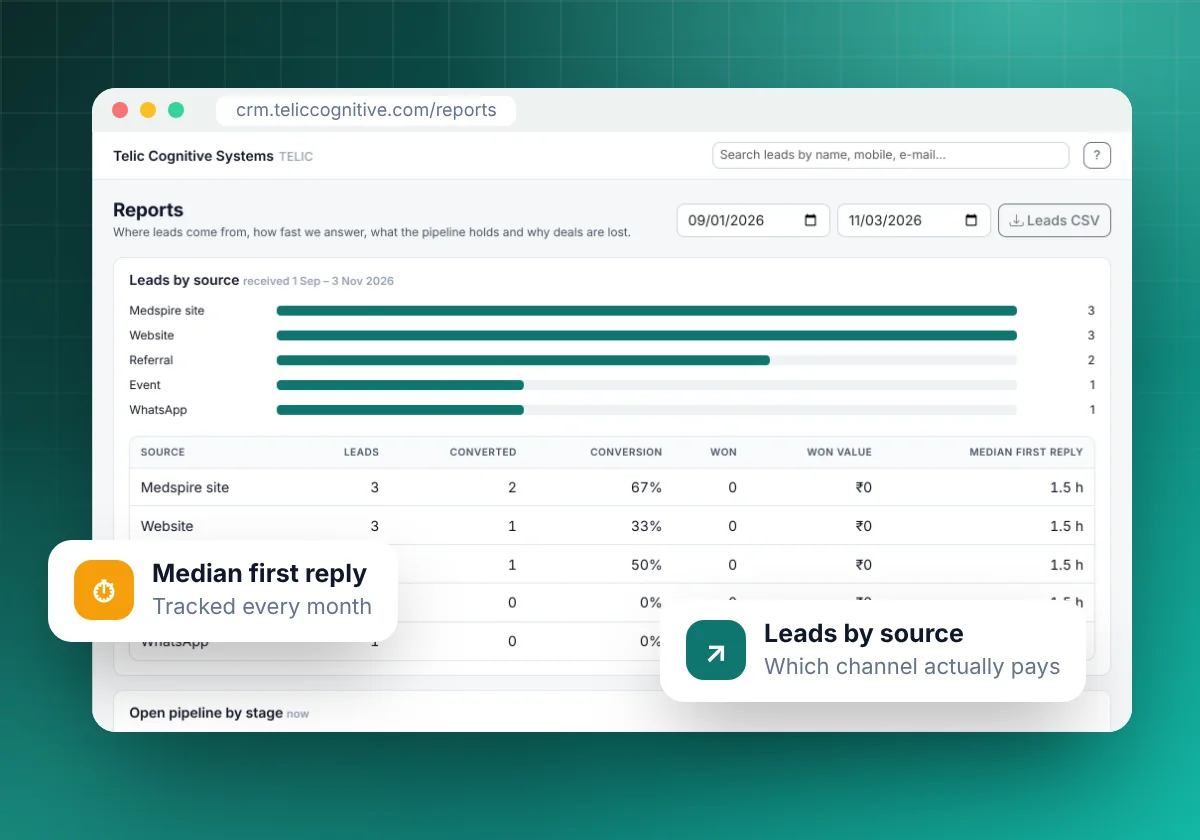
The first real reply stops the lead's reply clock, and the outcome updates the lead score.
See it with your own leads
A 30-minute demo on your process, or a trial workspace set up for your industry.