
Mobile CRM app for Android — leads, WhatsApp and quotes
Today, leads, deals, WhatsApp, quotes and campaigns in your pocket — even on a poor network.
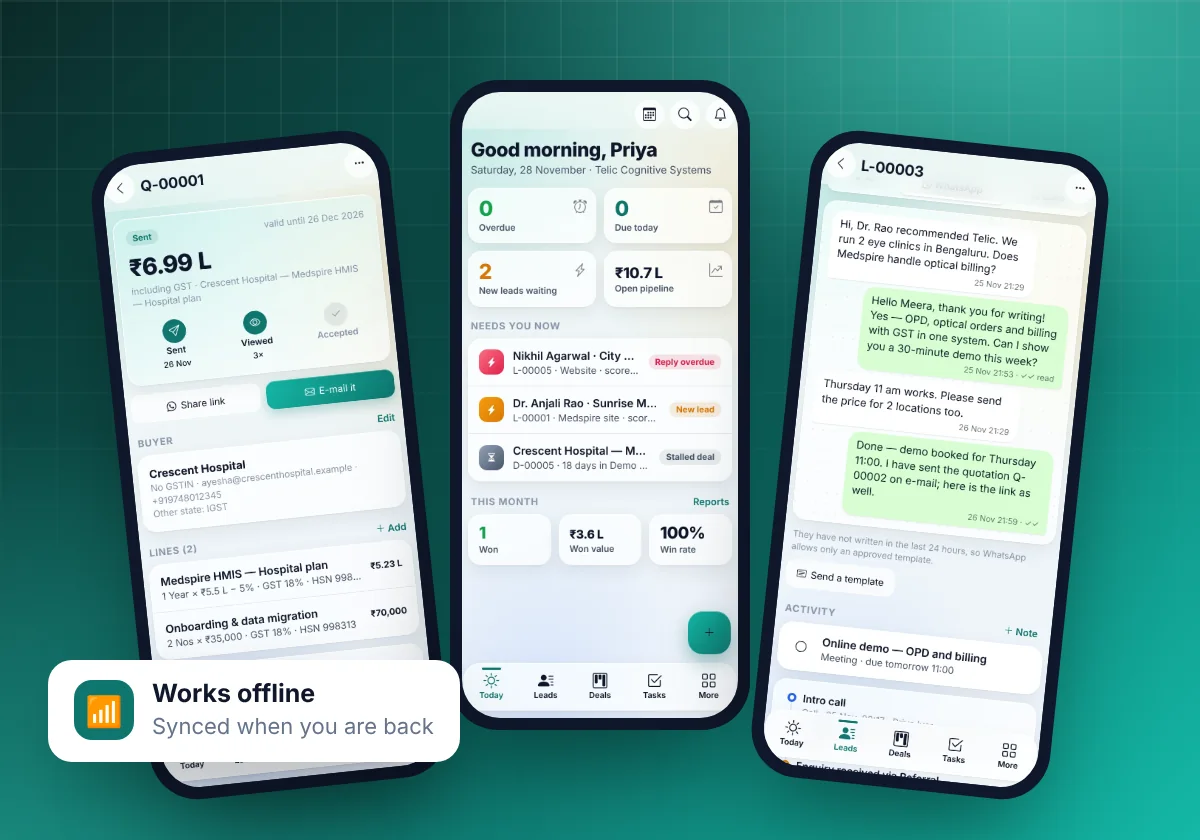
Field teams fill in visit reports at night, from memory, if at all — and new enquiries wait until someone is back at a desk.
What it does
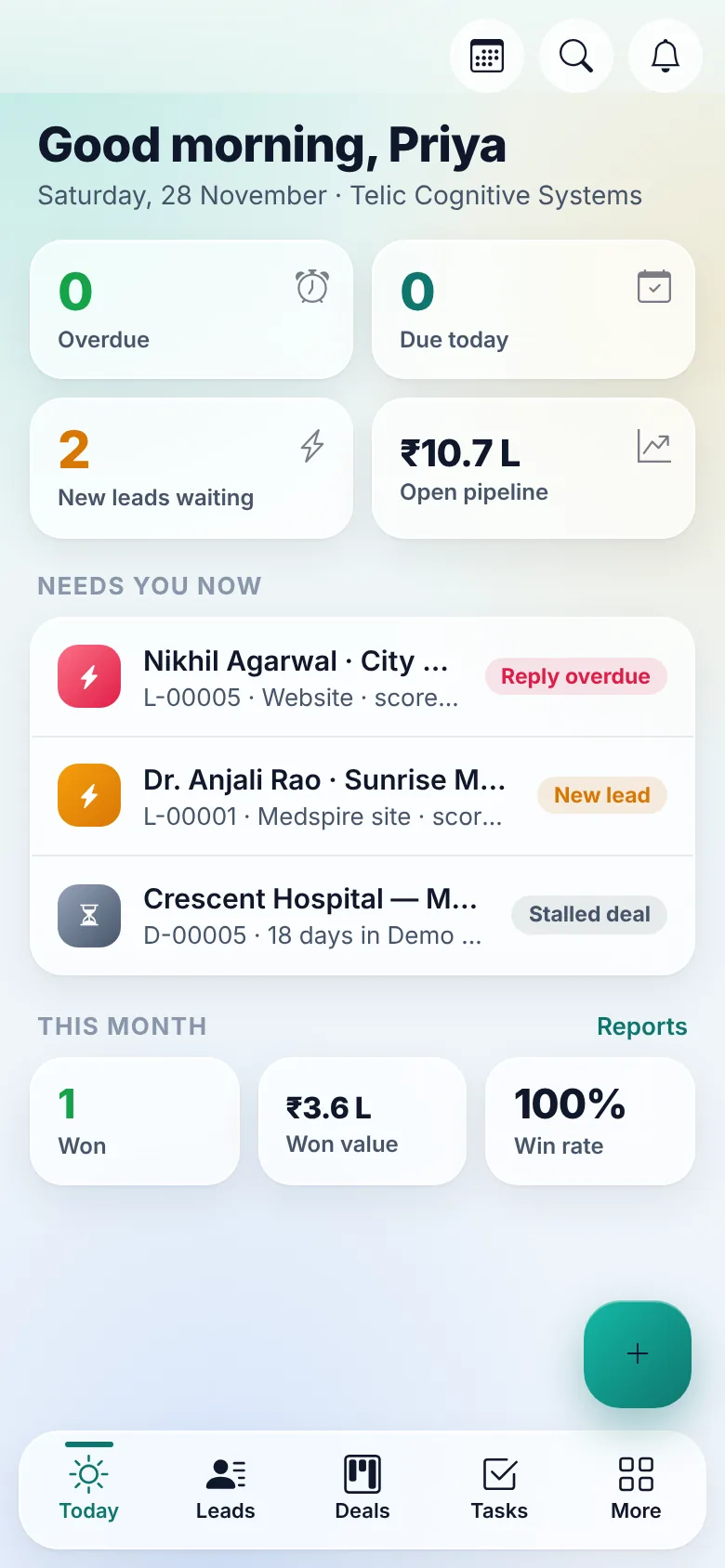
- Notifications for new leads, tasks due and campaigns to approve
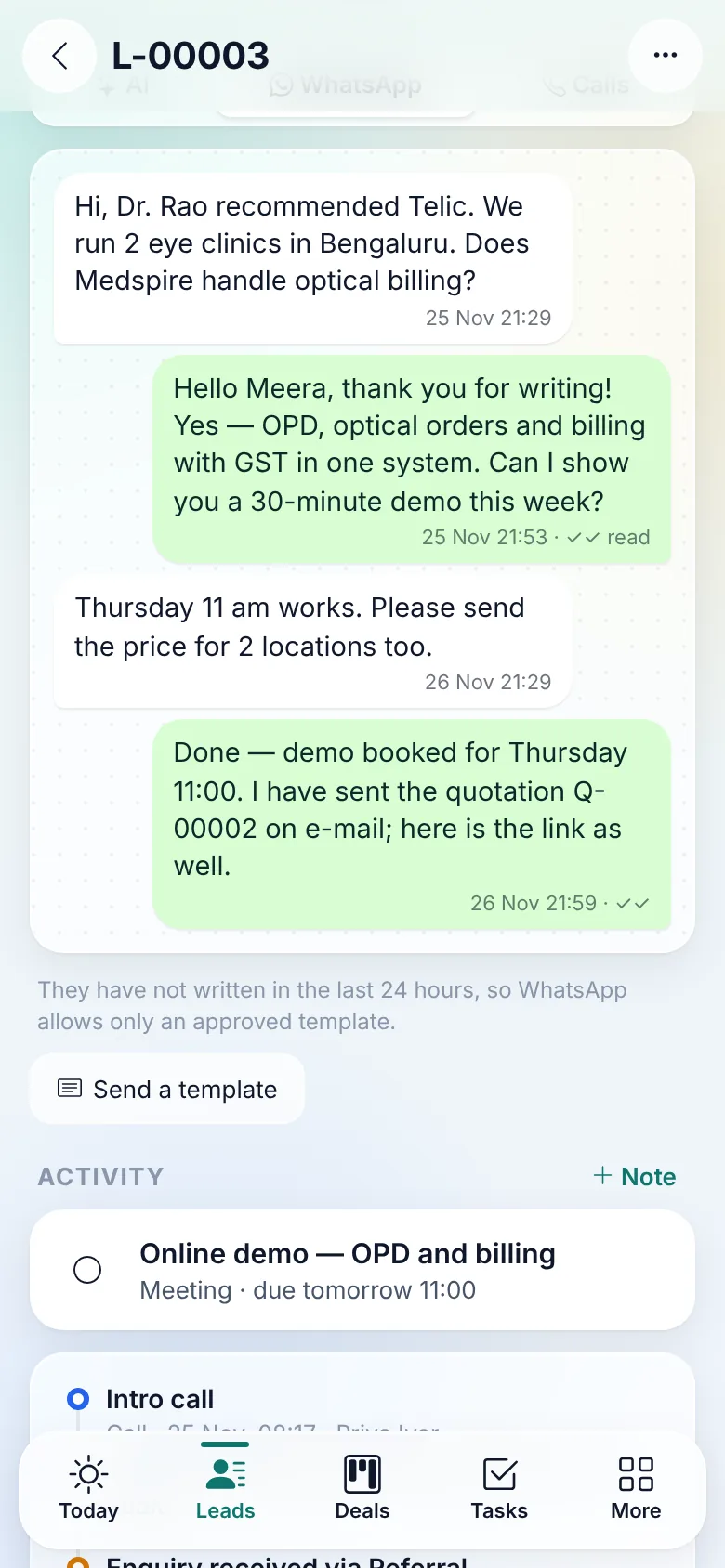
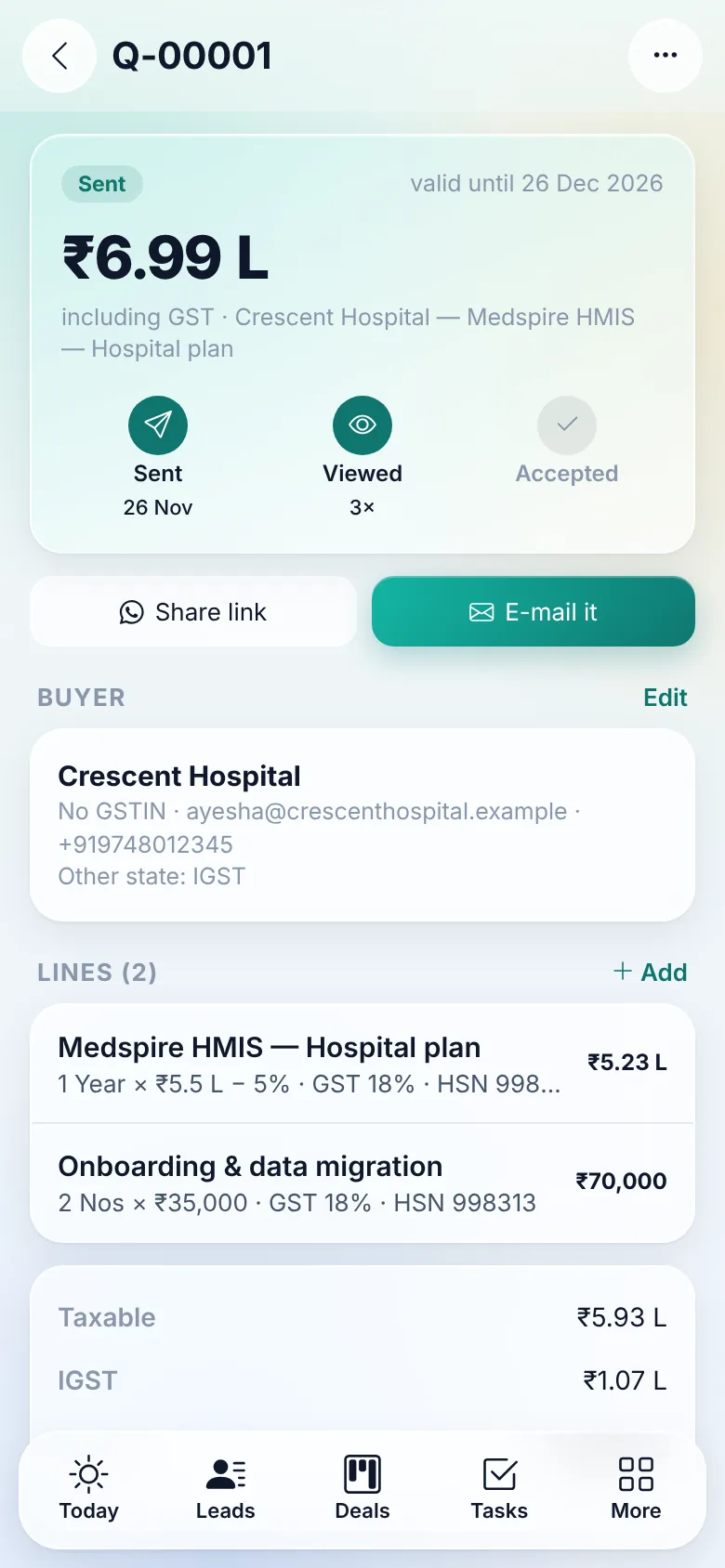
- Call, WhatsApp, quotes, voice notes and visiting-card scan on every record
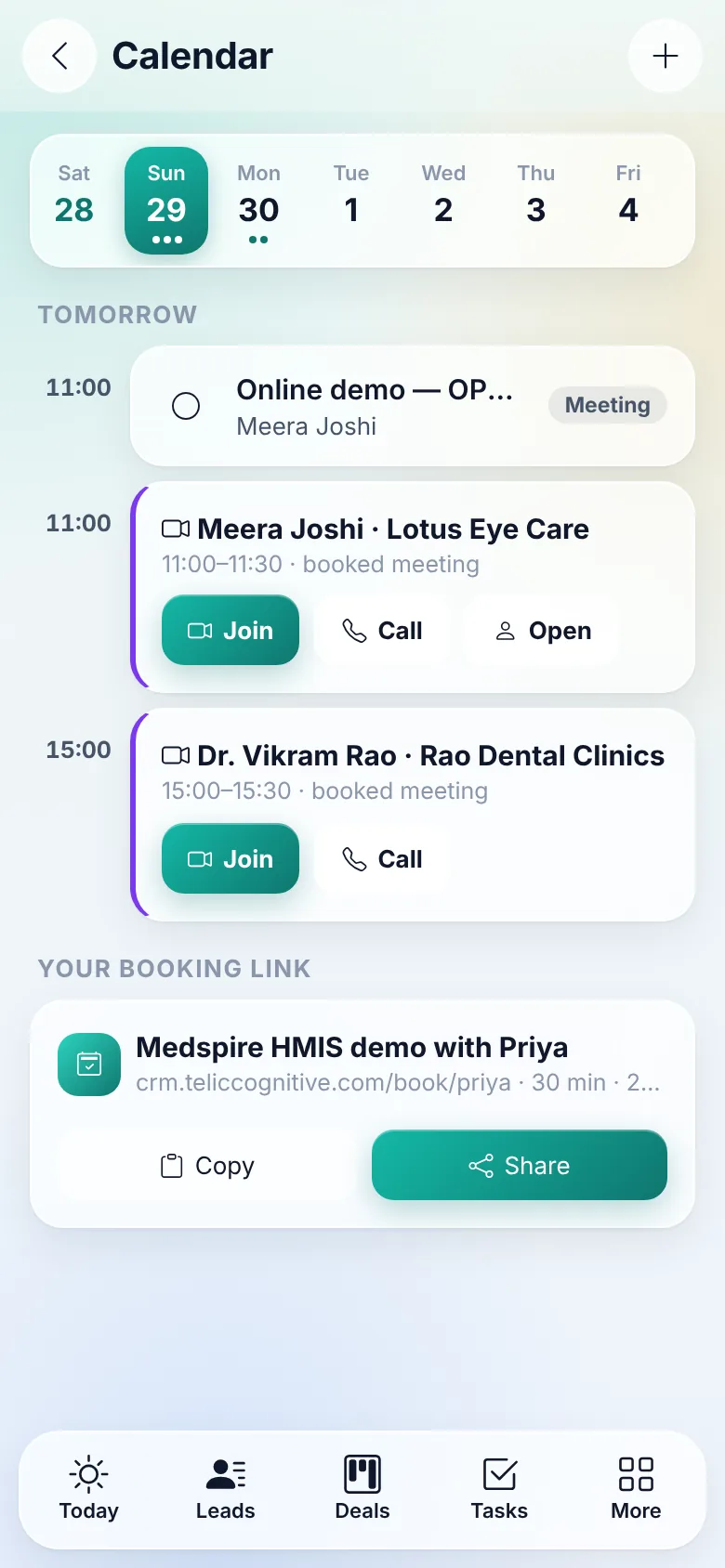
- Calendar of follow-ups and booked meetings; your booking link to share
- Home-screen widget, shortcuts, and share a contact or chat to make a lead
- Works offline; fingerprint lock; dark mode
From first step to done
Install
From crm.teliccognitive.com/app on the phone.
Sign in
With your CRM account; fingerprint after that.
Work anywhere
Changes made offline are sent when you are back.
More of android app
Android app: frequently asked
Step-by-step help in the user guide:
Will the app work without signal?
Yes. Today, your leads, tasks and contacts open offline; notes, calls and new leads are sent when the phone reconnects.
Which phones does it run on?
Android 10 and newer. iPhone users can add crm.teliccognitive.com/m to the home screen until the iPhone app is ready.
Is it a separate subscription?
No. Every user on any plan can use the app.
See it with your own leads
A 30-minute demo on your process, or a trial workspace set up for your industry.