
CRM automation: assign, WhatsApp and follow up on their own
When this happens, do these steps — assign, WhatsApp, e-mail, task, notify — on their own.
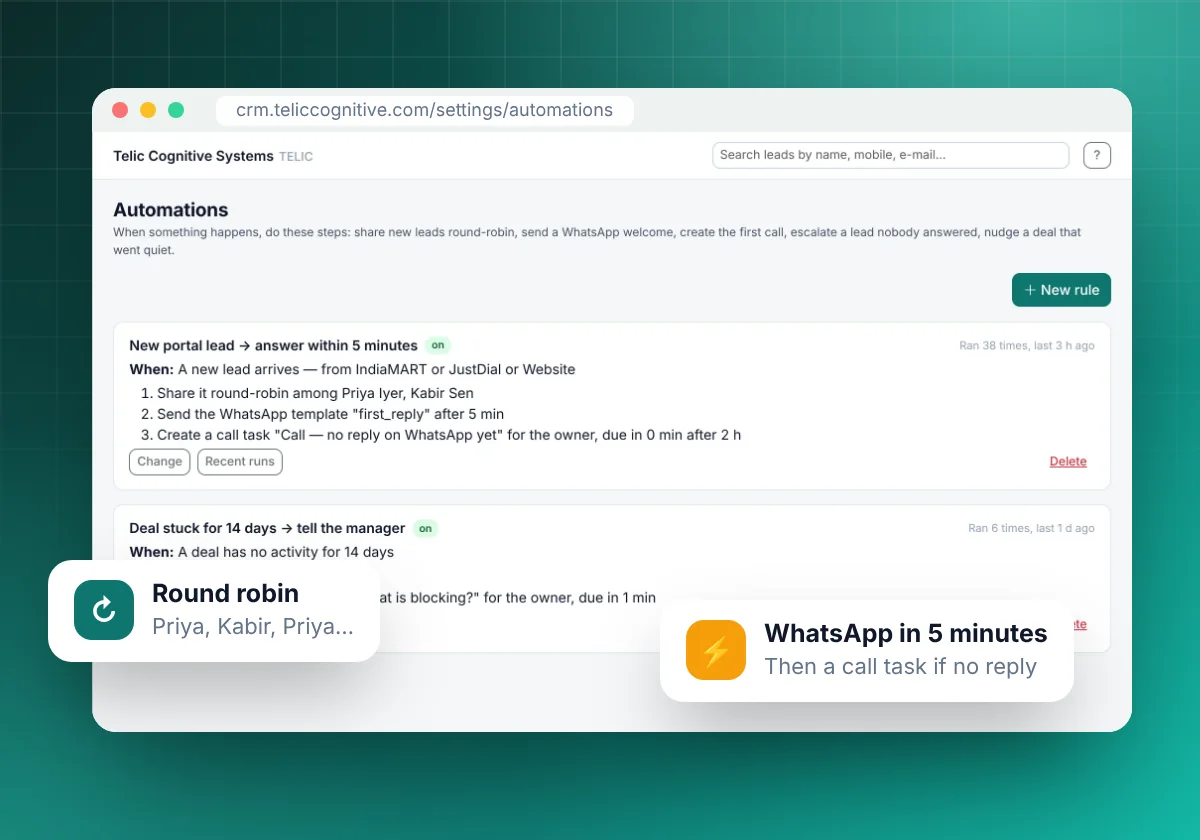
Good follow-up depends on people remembering. The fast reply, the second call, the nudge to a manager about a stuck deal — they happen on good days only.
What it does
- Triggers: new lead, no reply yet, deal enters a stage, deal stalled, WhatsApp received
- Conditions on source, interest, city and score
- Steps with waits: assign round robin, send a WhatsApp template or e-mail, create a task, tell the manager, change status, tag
- Stops by itself once a person replies
- Every run recorded, with what each step did
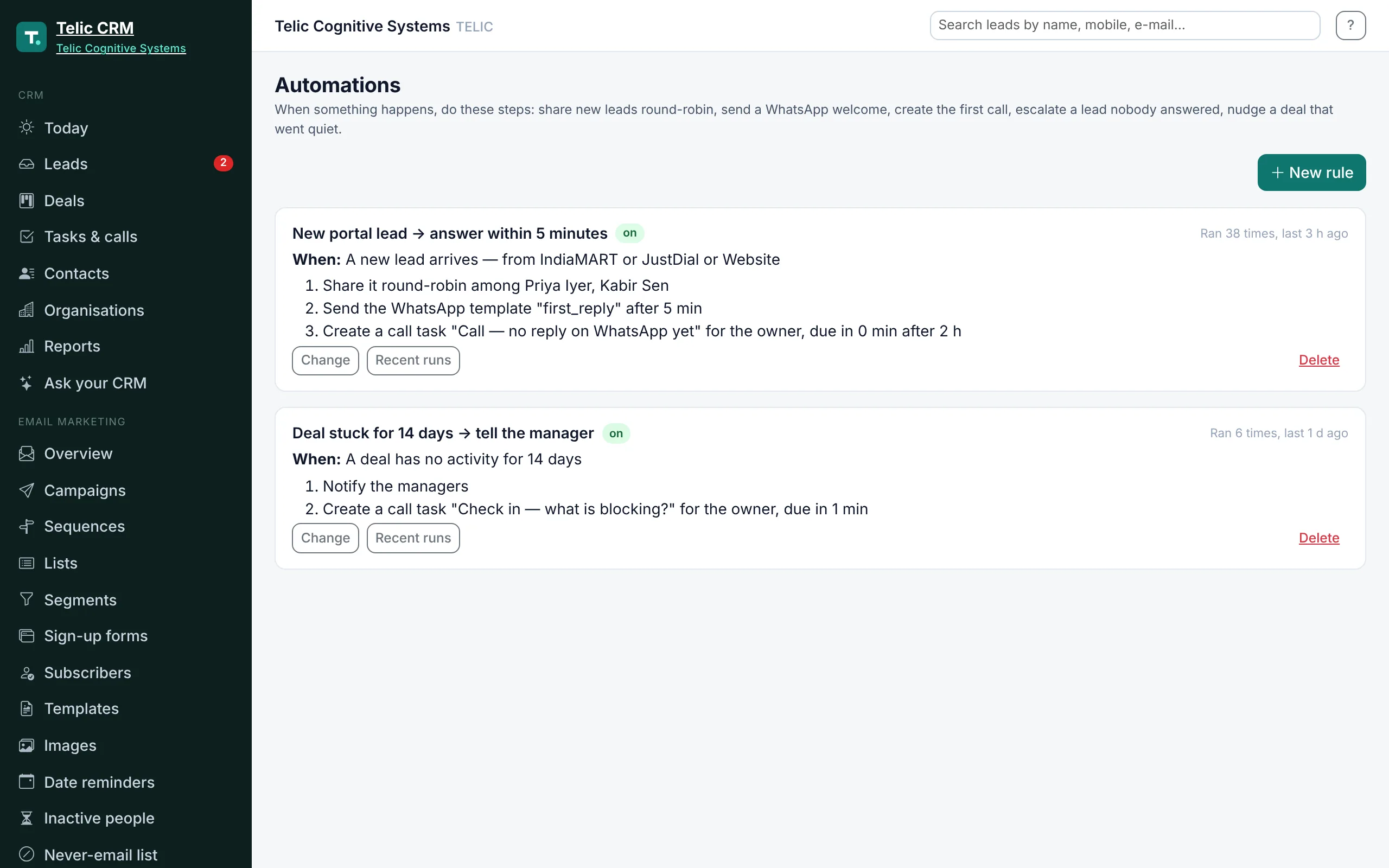
From first step to done
Pick a trigger
For example, a new IndiaMART lead.
Add the steps
Assign, WhatsApp in 5 minutes, call task if no reply in 2 hours.
Switch it on
It runs for every matching record, day and night.
What can start a rule?
A new lead, a lead with no reply yet, a deal entering a stage, a deal that has stalled, or a WhatsApp message received.
What can a rule do?
Assign, send a WhatsApp template or an e-mail, create a task, notify the owner or managers, change status and add a tag — with waits between steps.
Will it keep messaging after we reply?
No. A rule stops for a record once a person has replied.
Other features
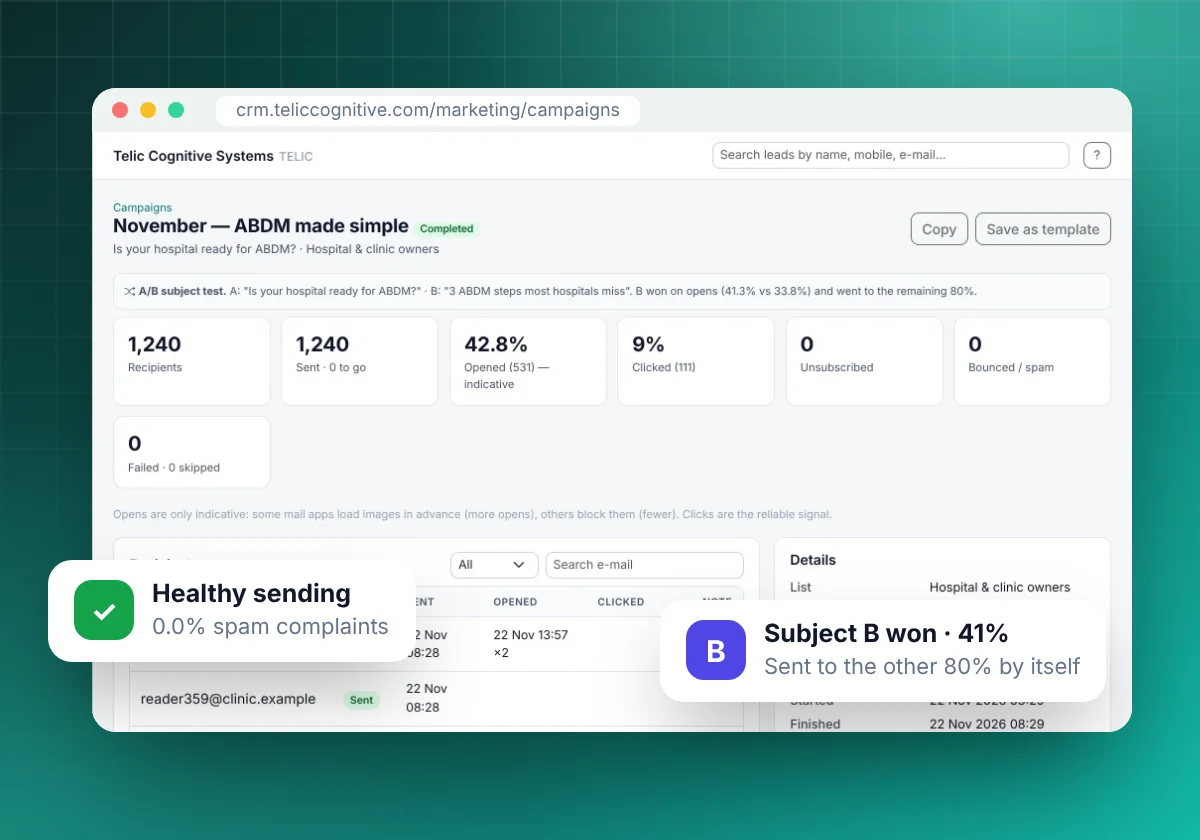
E-mail marketing
Campaigns, sequences, segments and sign-up forms in the same CRM — with consent and inbox health built in.
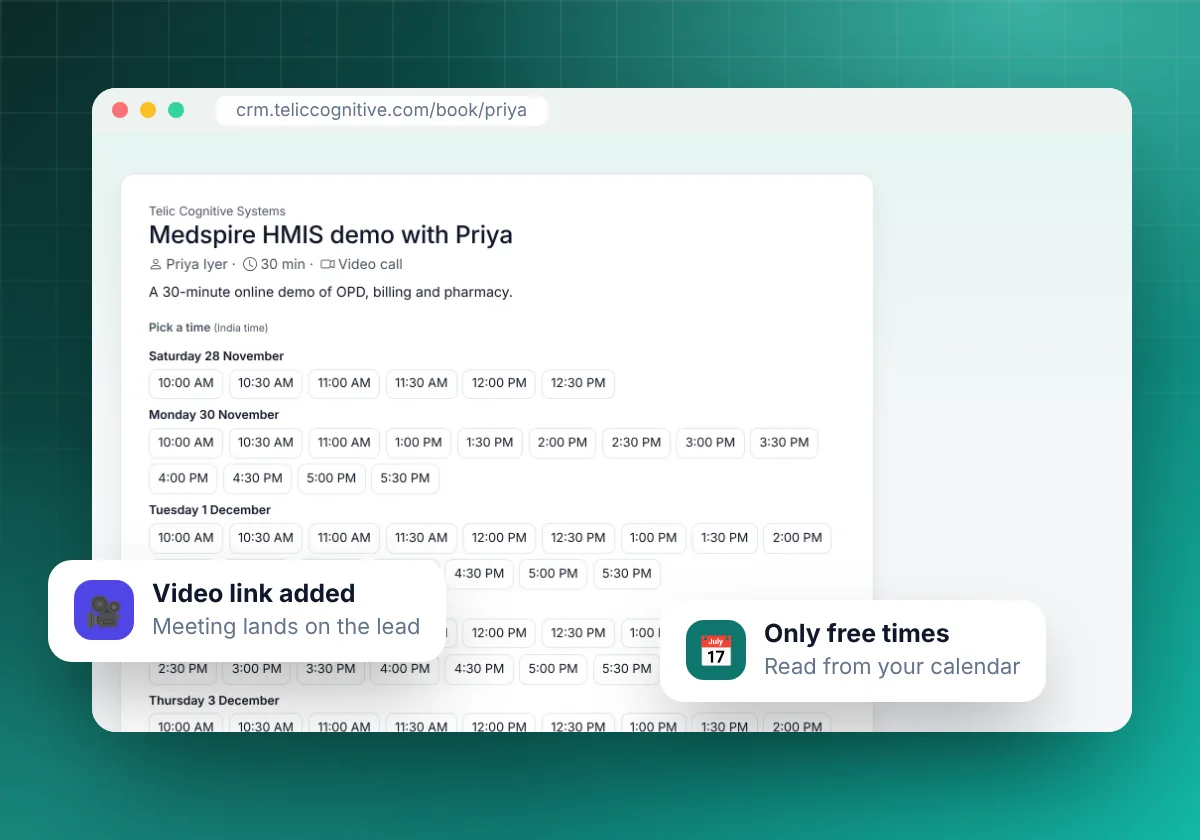
Inbox sync & booking links
Gmail or Outlook e-mails on the right lead, and a link customers use to book a free slot.
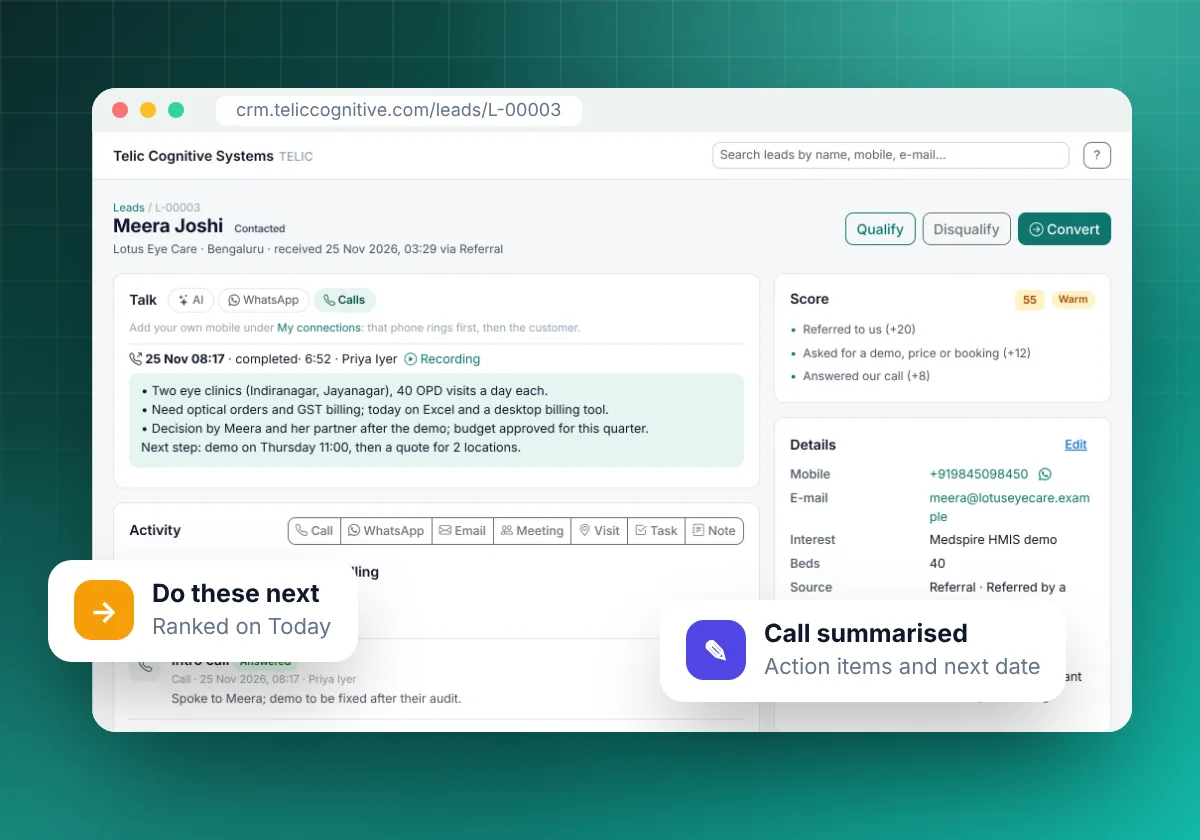
AI that does the work
Smart next steps, a brief before every call, drafted follow-ups, call summaries — and ask your CRM in plain words.
See it with your own leads
A 30-minute demo on your process, or a trial workspace set up for your industry.