
Cloud telephony CRM — Exotel, MyOperator, Knowlarity
Click to call from the lead — recorded, logged and summarised by itself.
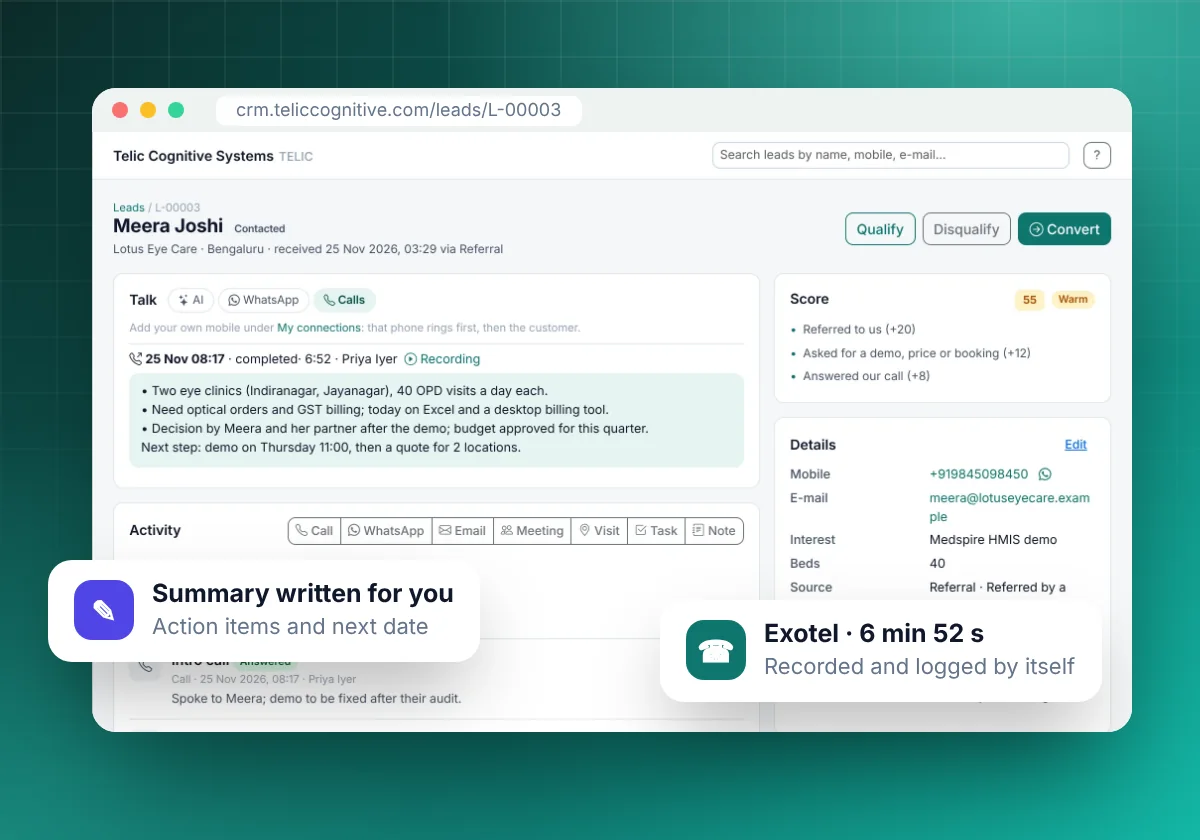
Calls are the main channel and the least recorded. Reps forget to log them, managers cannot hear what was promised, and missed calls are simply lost.
What it does
- Click to call: your phone rings first, then the customer — on your business number
- Exotel, MyOperator and Knowlarity supported
- Every call logged on the right lead with duration, outcome and the recording
- AI summary with action items and the next date, written after the call
- Missed and inbound calls from new numbers can become leads
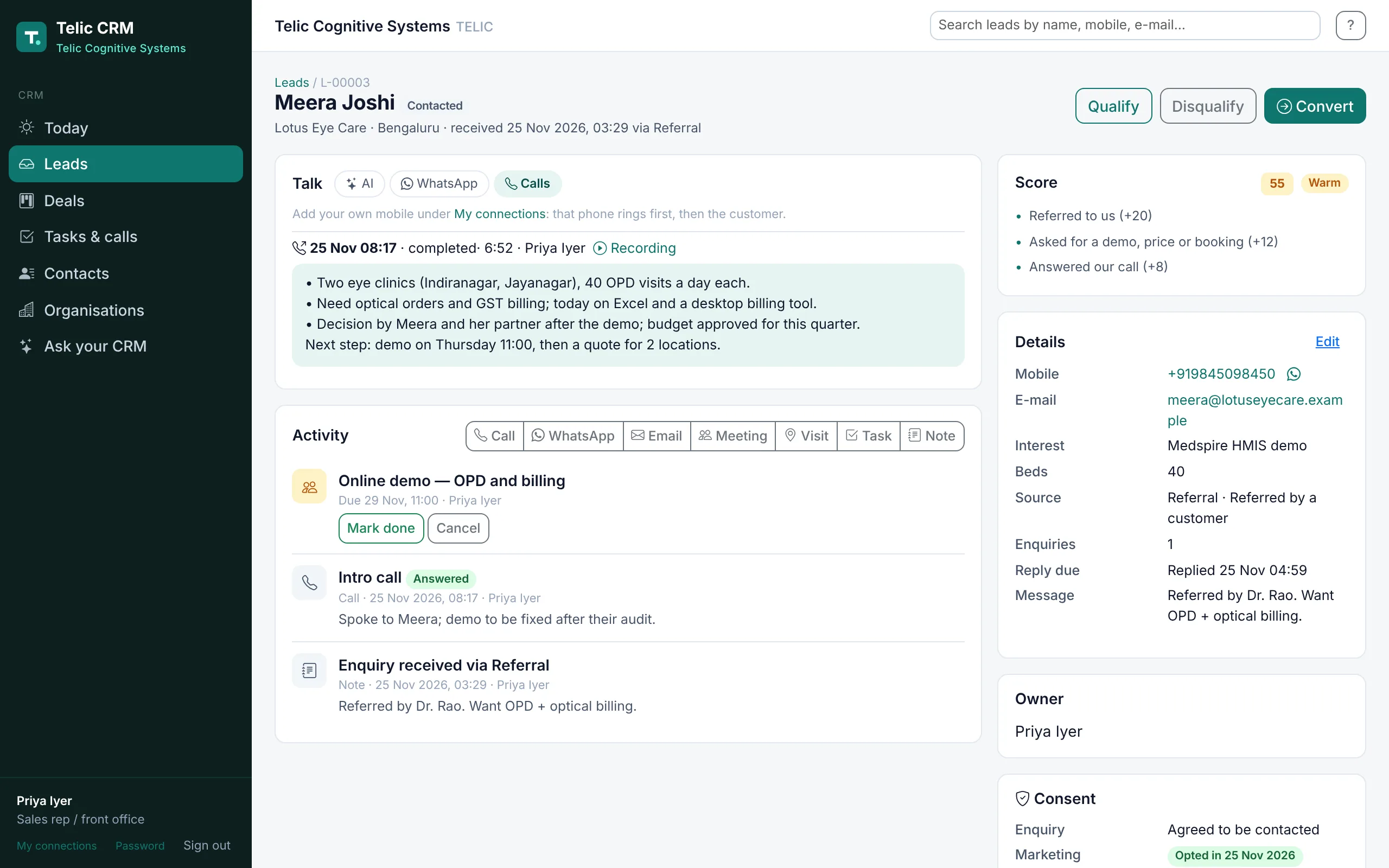
From first step to done
Click Call
On any lead, contact or deal.
Talk
Your phone rings, then the customer's; the call is recorded.
It is logged
Duration, recording and a summary appear on the timeline.
Calls through Exotel, MyOperator, Knowlarity: frequently asked
Step-by-step help in the user guide:
Which telephony providers work?
Exotel, MyOperator and Knowlarity. You keep your own account and number with them.
How does click-to-call work?
Your phone rings first; when you answer, the customer's phone rings. The customer sees your business number.
Are calls summarised automatically?
When AI is switched on, a recorded call can be summarised into key points, action items and a next date on the lead.
Other features
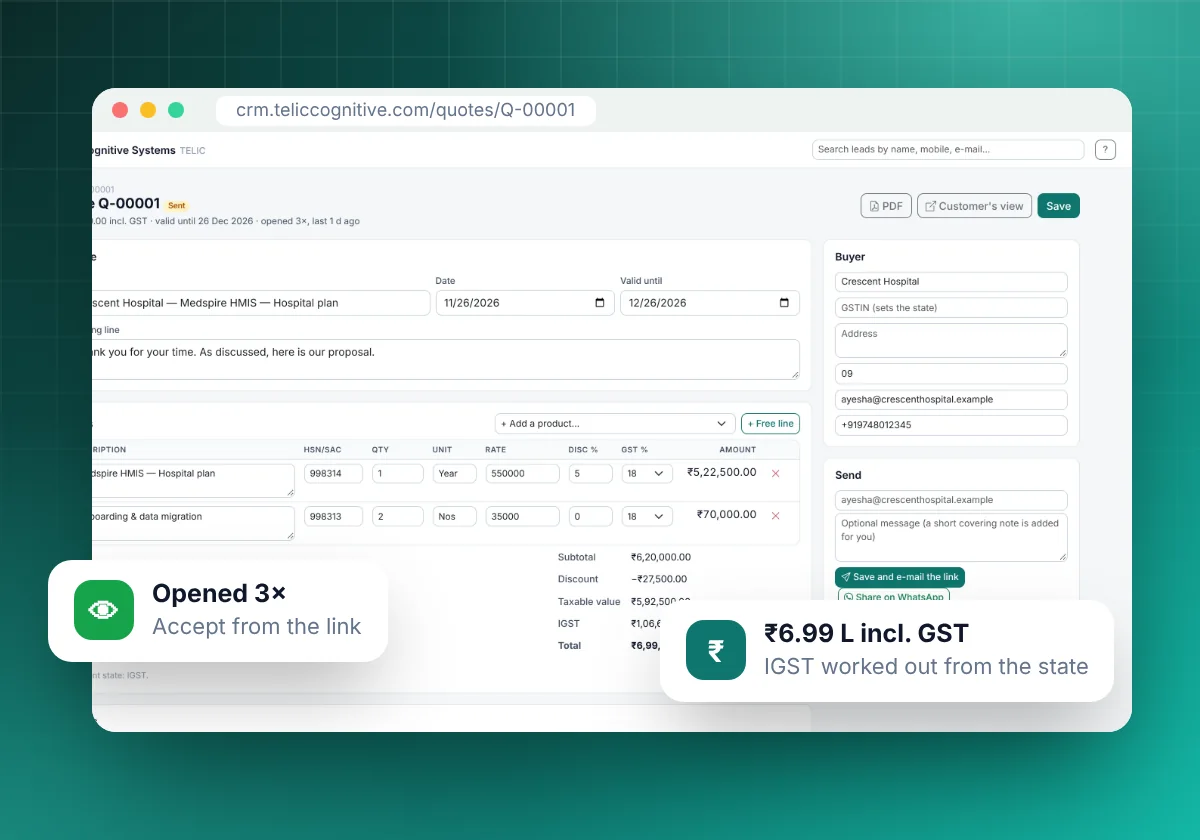
GST quotes & proposals
A GST-correct quote from the deal in a minute — the customer views and accepts it from a link.
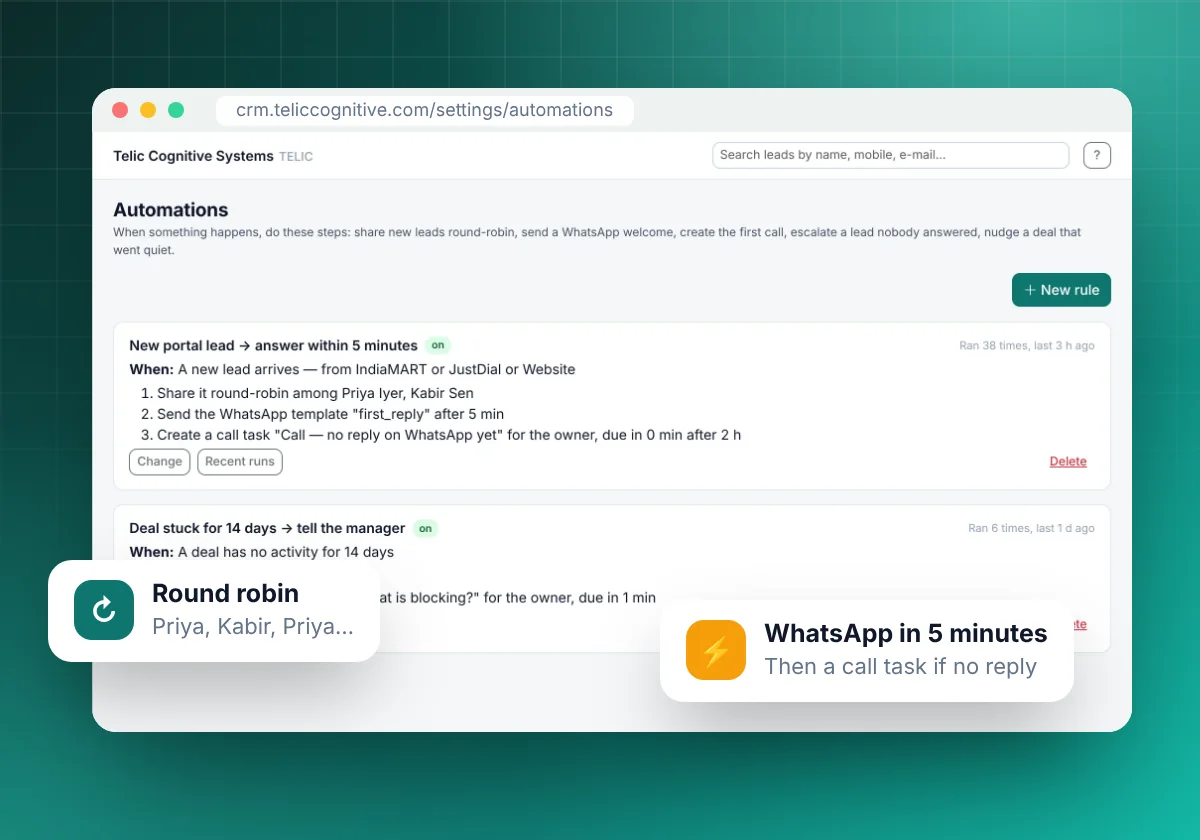
Automation rules
When this happens, do these steps — assign, WhatsApp, e-mail, task, notify — on their own.
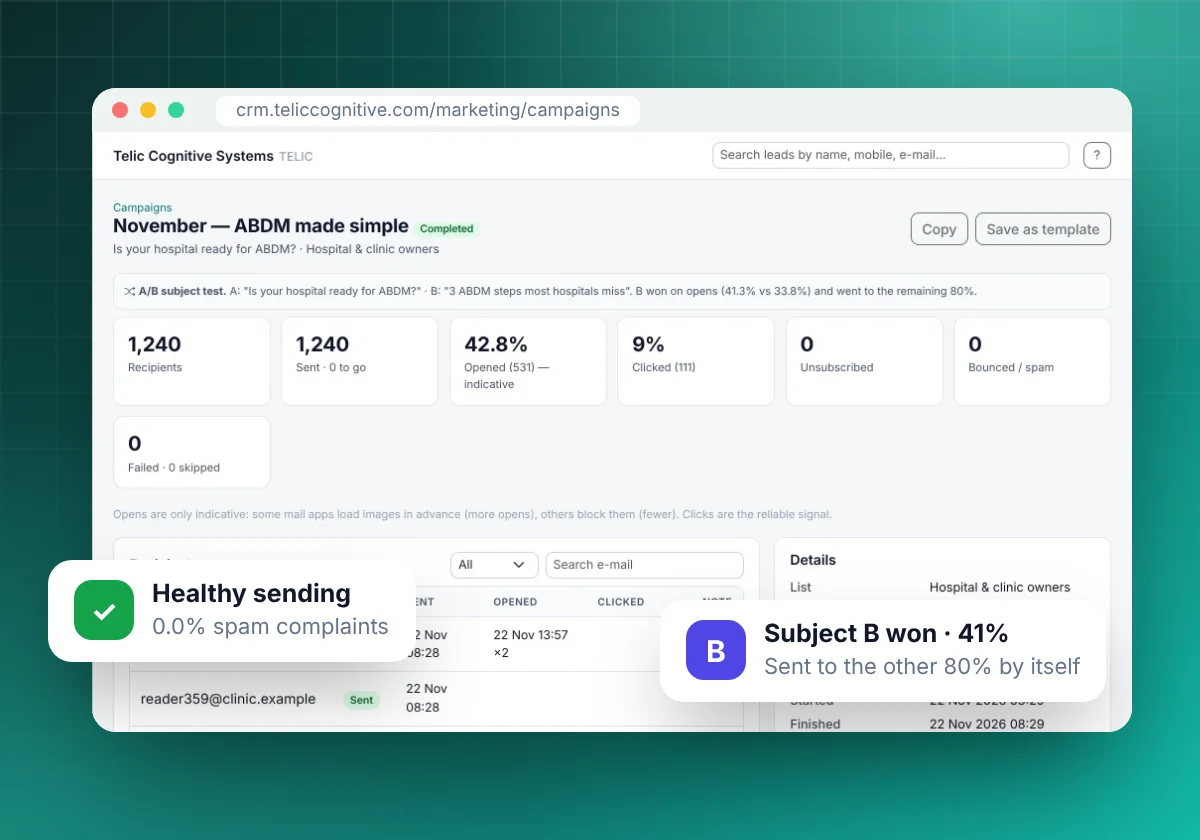
E-mail marketing
Campaigns, sequences, segments and sign-up forms in the same CRM — with consent and inbox health built in.
See it with your own leads
A 30-minute demo on your process, or a trial workspace set up for your industry.