
GST quotation software inside your CRM
A GST-correct quote from the deal in a minute — the customer views and accepts it from a link.
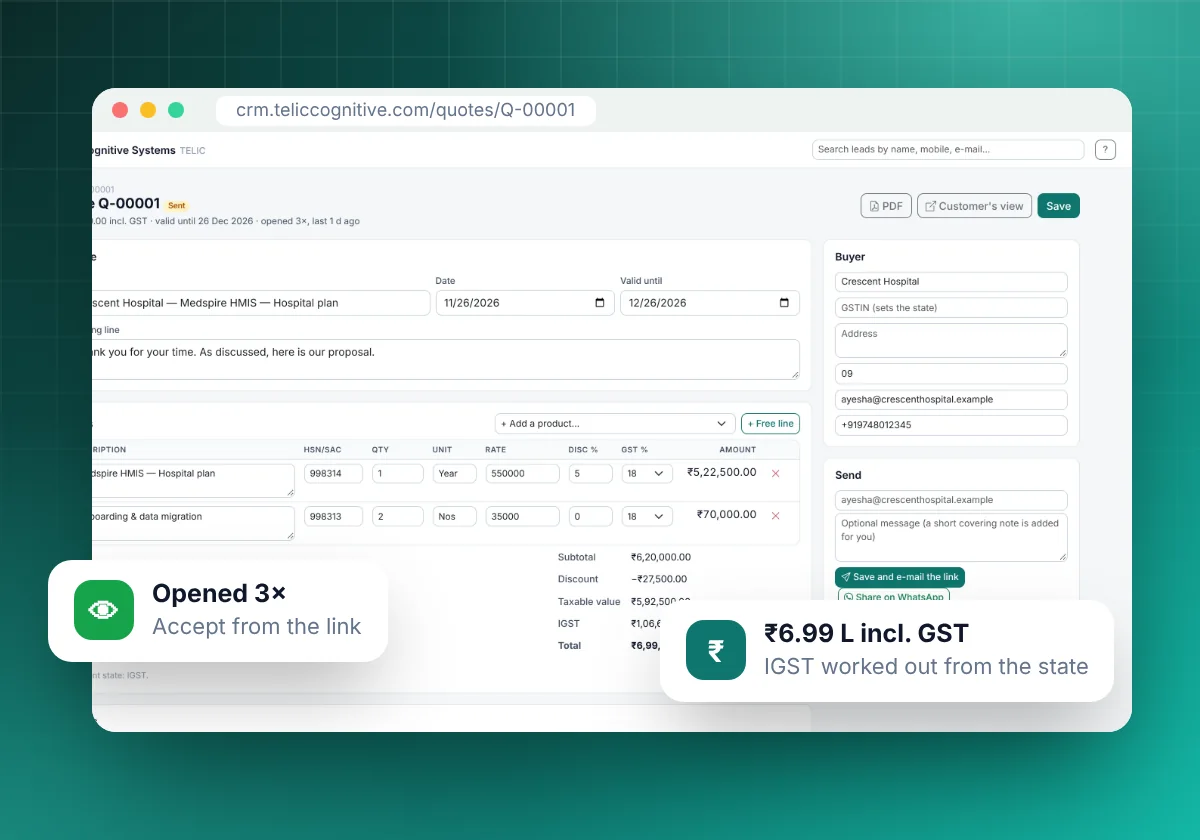
Quotes are typed in Word, sent as attachments and lost in inboxes. Nobody knows whether the customer opened it, and the deal value in the CRM never matches what was quoted.
What it does
- Lines from your product list with HSN/SAC, discount and GST rate
- CGST + SGST or IGST worked out from the buyer's GSTIN or state
- Send by e-mail or share the link on WhatsApp; see when it is opened
- The customer accepts or declines from the link — the deal updates itself
- PDF download, new versions, and accepted quotes sent to Telic ERP as sales orders
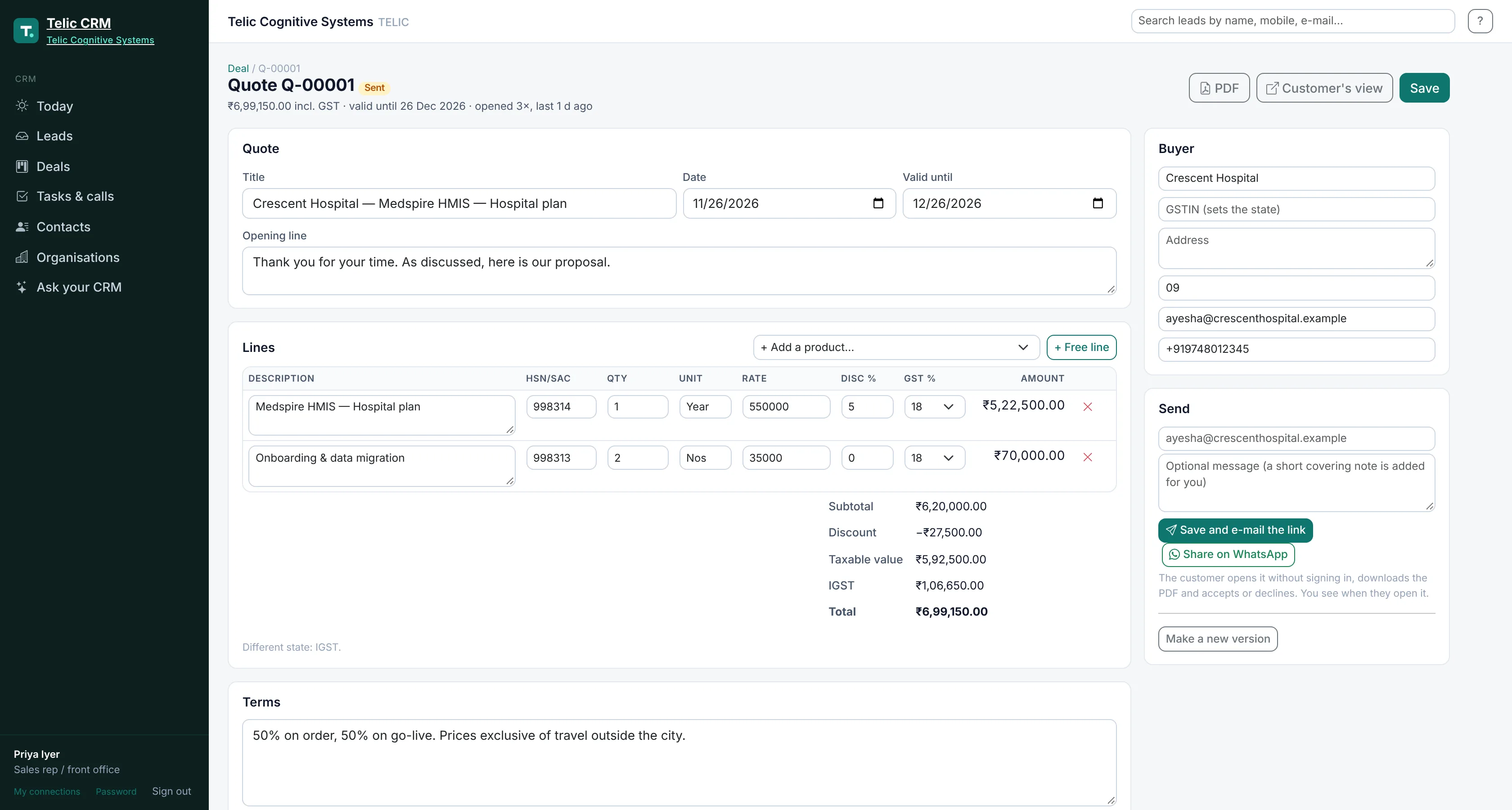
From first step to done
Make it from the deal
Buyer, contact and amount filled in.
Send the link
By e-mail or WhatsApp; views are tracked.
Accepted
The deal moves on; the order can go to Telic ERP.
GST quotes & proposals: frequently asked
Step-by-step help in the user guide:
Does it work out GST correctly?
Yes. CGST and SGST for buyers in your state, IGST for others, from the buyer's GSTIN or state code.
Can the customer accept online?
Yes. The link shows the quote, a PDF and Accept/Decline buttons; the deal updates when they answer.
Can an accepted quote become an order?
Yes. If you use Telic ERP, one click makes a sales order with the customer, lines, HSN and GST.
Other features
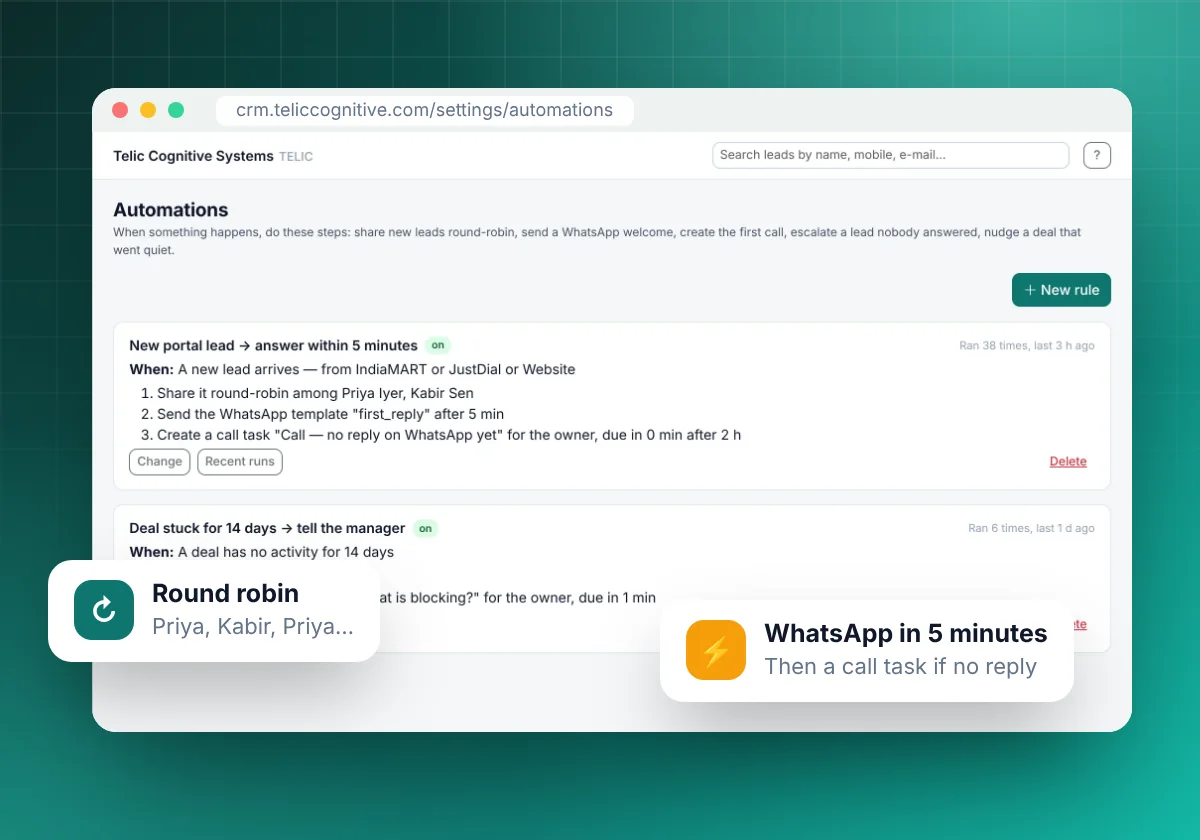
Automation rules
When this happens, do these steps — assign, WhatsApp, e-mail, task, notify — on their own.
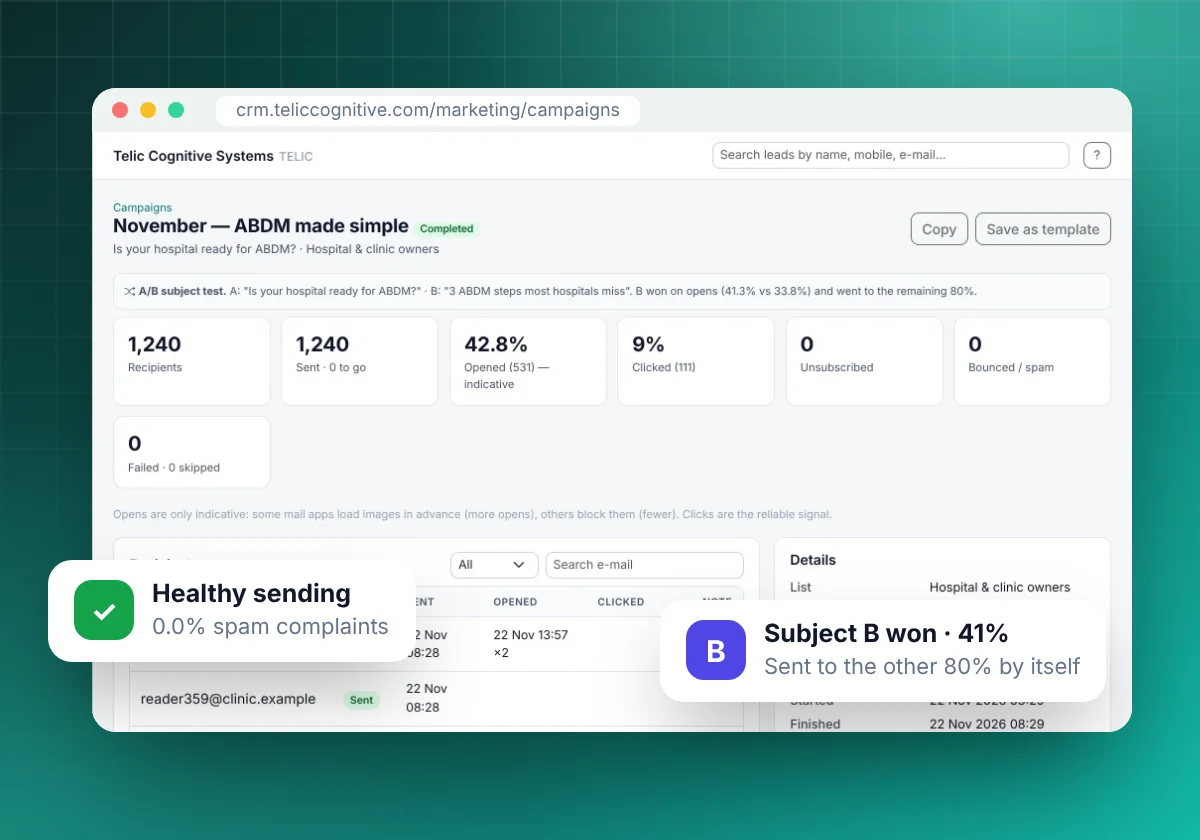
E-mail marketing
Campaigns, sequences, segments and sign-up forms in the same CRM — with consent and inbox health built in.
Inbox sync & booking links
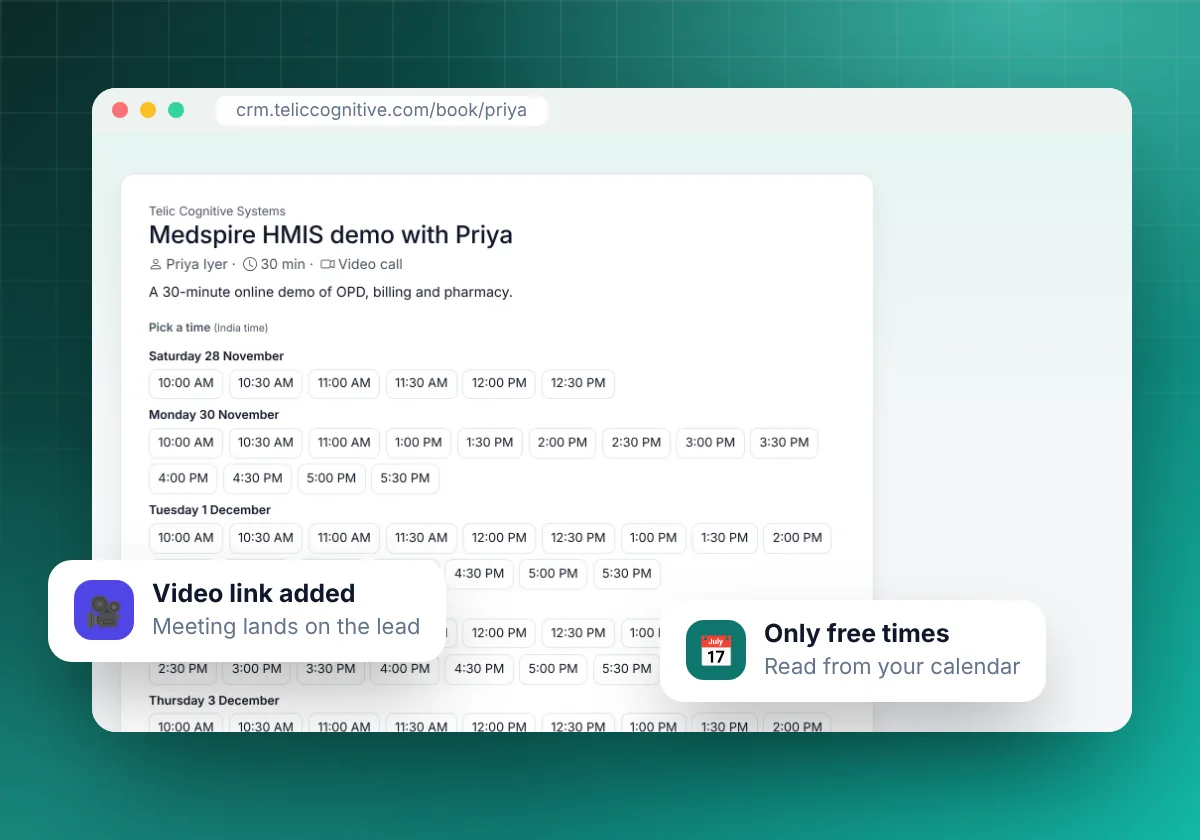
Gmail or Outlook e-mails on the right lead, and a link customers use to book a free slot.
See it with your own leads
A 30-minute demo on your process, or a trial workspace set up for your industry.