
CRM user roles and permissions for sales teams
Reps see their own work; managers see everything.
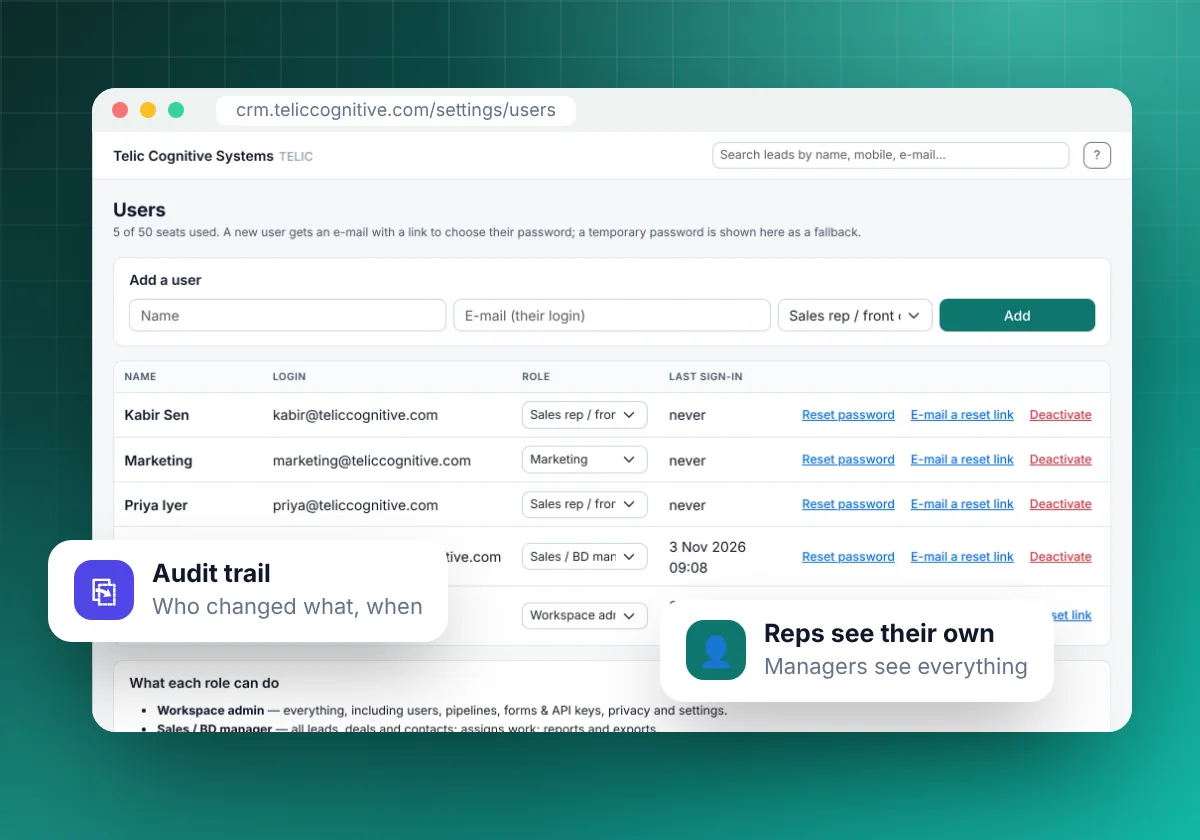
Either everybody sees everything, or the admin spends Friday afternoons fixing permissions.
What it does
- Workspace admin, sales manager, sales rep / front office, marketing, read-only
- Reps see their own and unassigned leads and deals; managers see the whole workspace
- Seats per plan; deactivate a leaver and their access ends within a minute
- Invitations and forgotten-password links by e-mail; a temporary password as a fallback
- Every change is in the audit trail — who, what, when
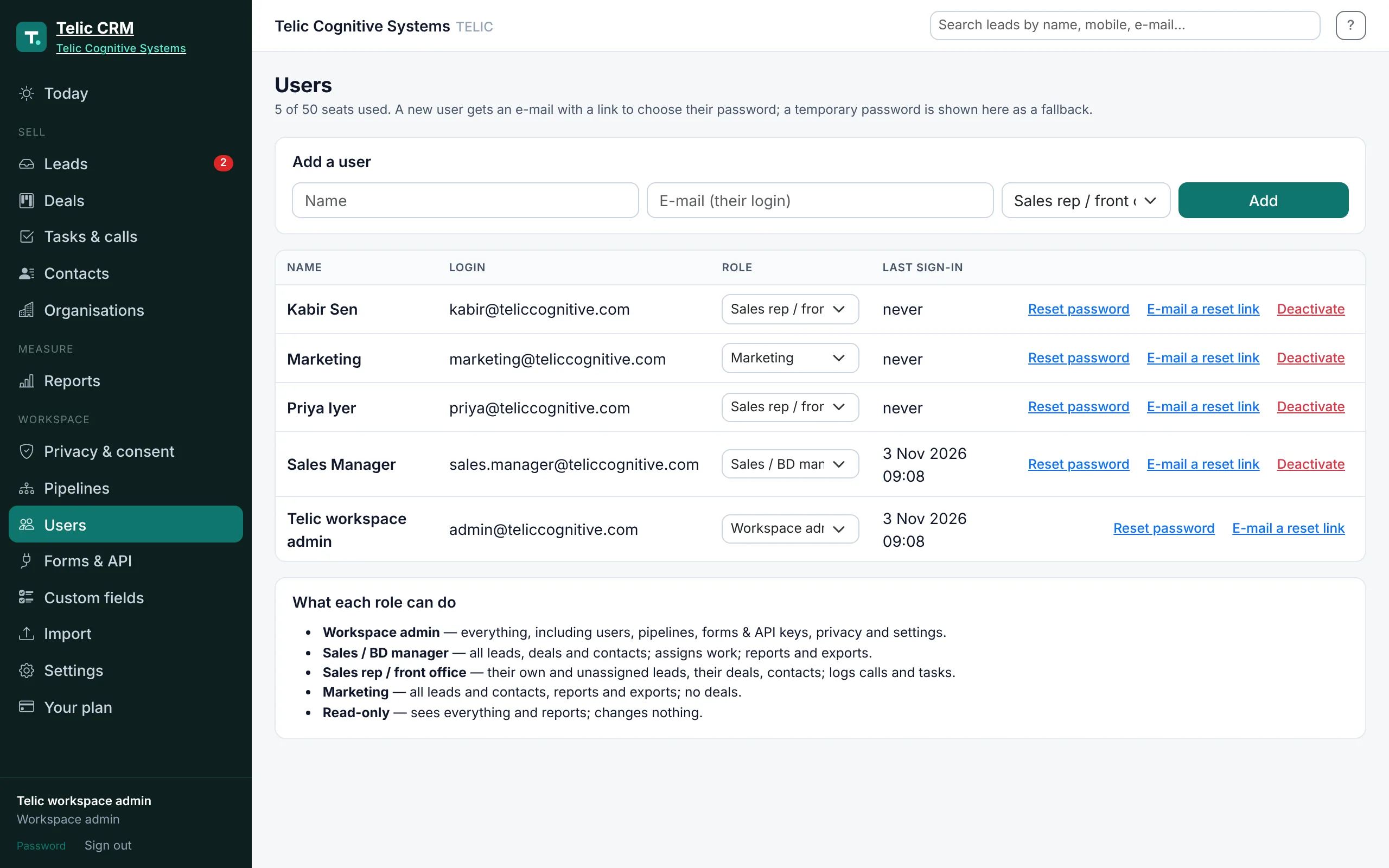
From first step to done
Invite
Add a person by e-mail with a role; they set their own password.
Adjust
Change a role or deactivate — it applies within a minute.
Check
The audit trail shows who did what.
Roles & teams: frequently asked
Step-by-step help in the user guide:
Which roles are there?
Workspace admin, sales manager, sales rep / front office, marketing and read-only.
What happens when someone leaves?
Deactivate them and their access ends within a minute. Their leads and deals stay and can be reassigned.
Is there an audit trail?
Yes. Changes to settings, users, records and privacy actions are logged with who, what and when.
Other features
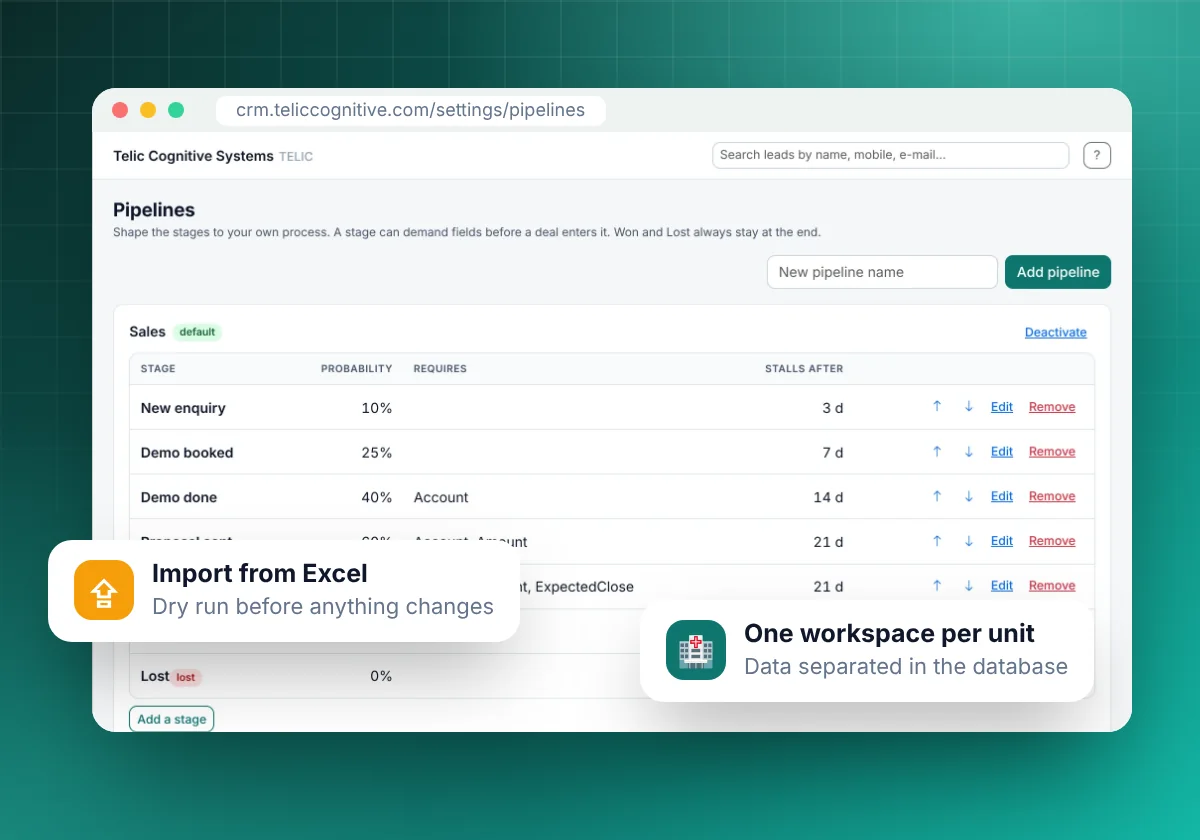
Workspaces for groups
One CRM for a group, separate data for each unit.
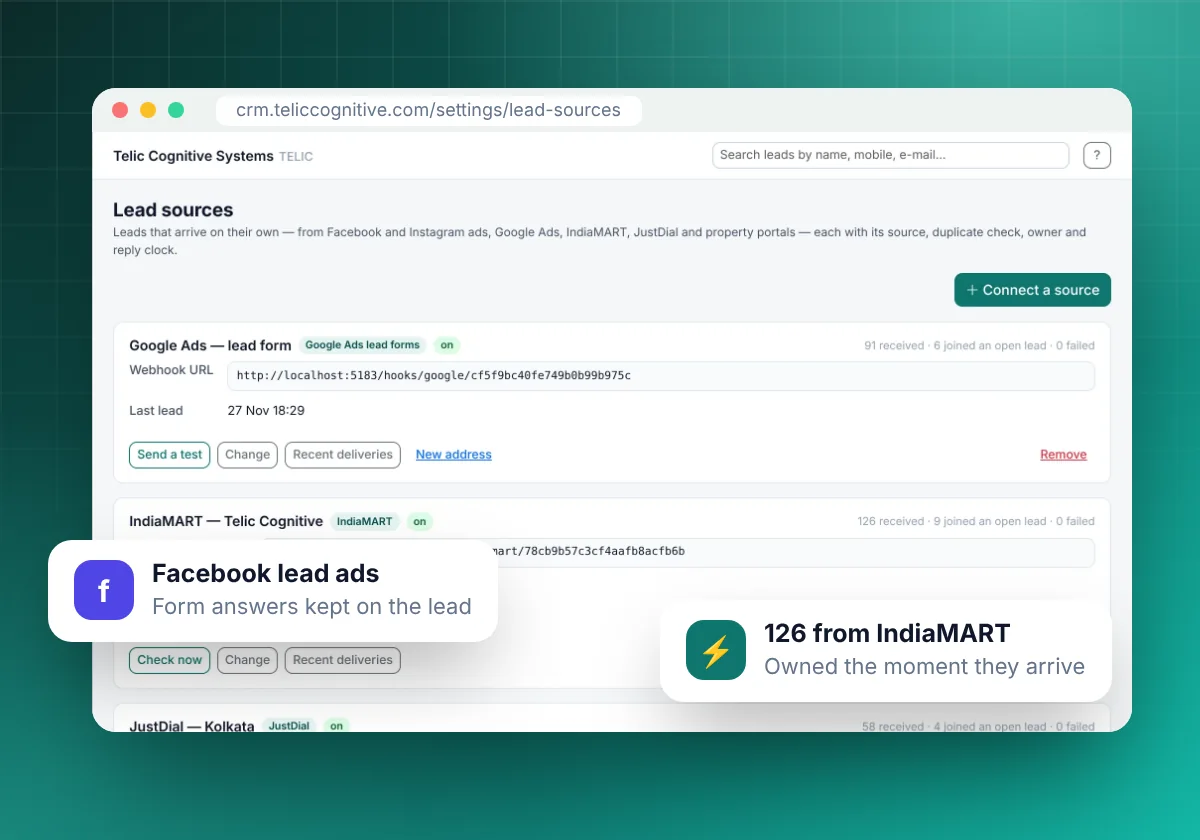
Leads arrive on their own
IndiaMART, JustDial, Facebook, Google and property portals — straight into the list, owned in seconds.
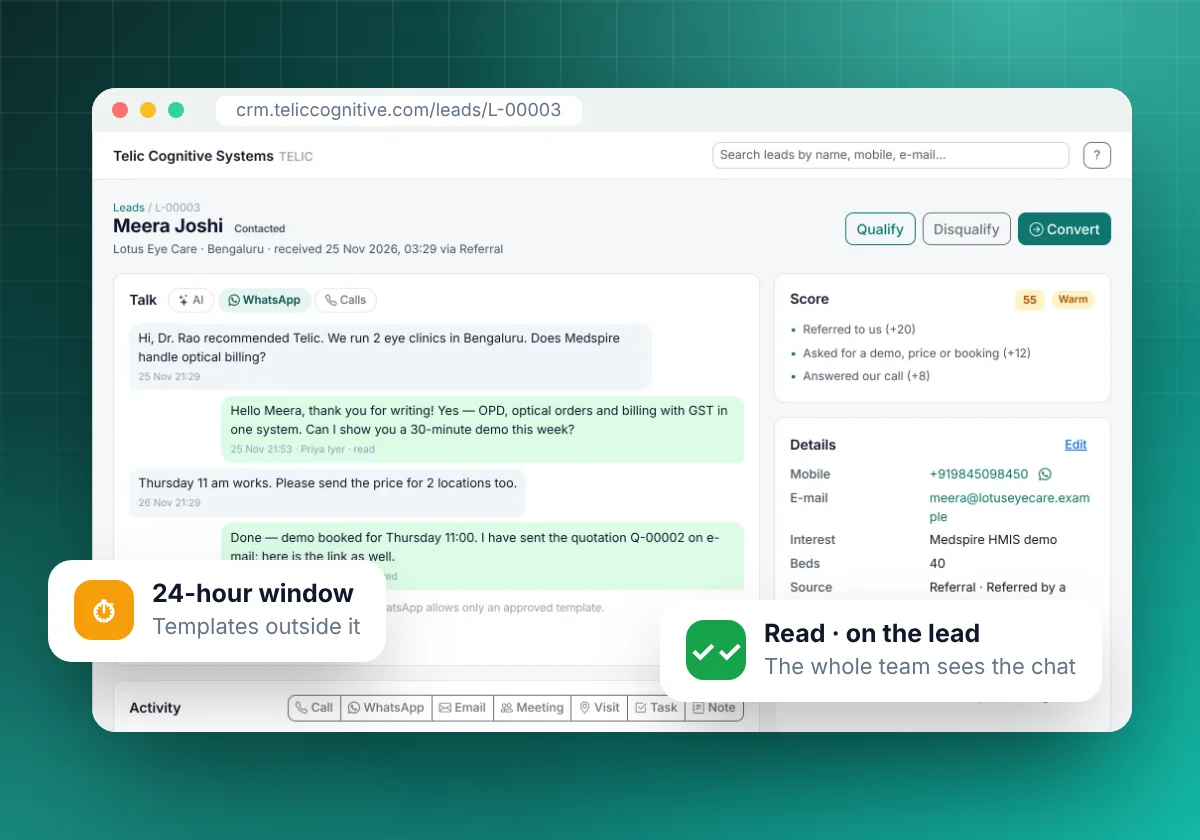
WhatsApp inside the lead
The whole WhatsApp conversation on the lead — sent and received from the CRM, with templates and ticks.
See it with your own leads
A 30-minute demo on your process, or a trial workspace set up for your industry.