Guide / Getting started
Invite your team
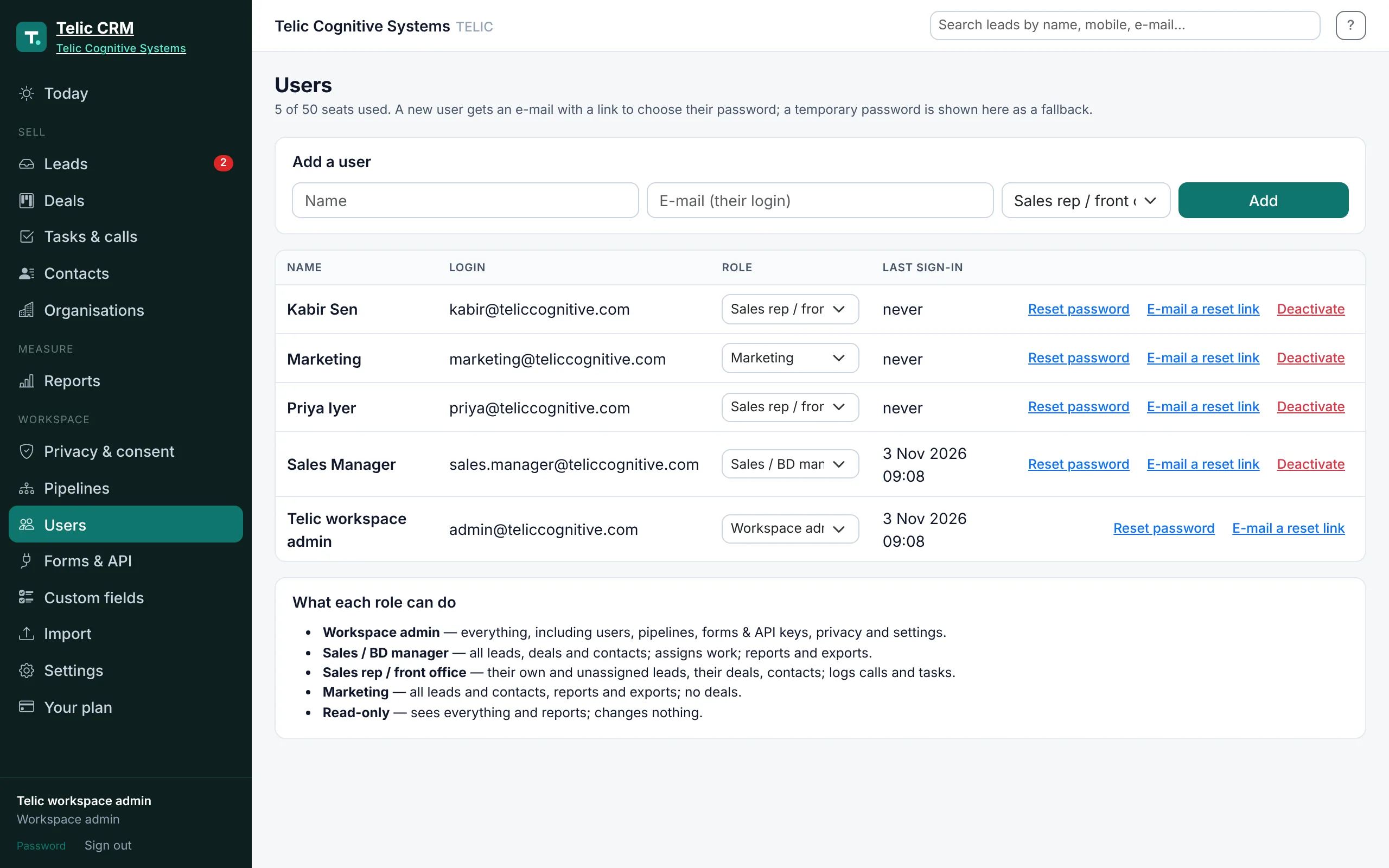
- Open Users.
- Enter the person's name and work e-mail (this is their login) and choose a role.
- Press Add. They get an invitation e-mail with a link to choose their password (valid 2 days).
- A temporary password is also shown once, in case the e-mail does not reach them — give it in person or by phone, not in a group chat. They must replace it at first sign-in.
Roles: Workspace admin (everything), Sales / BD manager (all leads and deals, reports, exports), Sales rep / front office (their own and unassigned work), Marketing (leads, contacts, reports — no deals), Read-only.
The number of users is limited by your plan's seats; deactivate leavers to free a seat, or add seats under Your plan.