Guide / Website & API
Put the enquiry form on your website
- Open Forms & API. Your form's address is shown, for example
crm.teliccognitive.com/f/YOURCODE. - Link to it from a button, or embed it with the iframe code shown.
- Add
src=andpage=to the address so leads record where they came from — e.g.?src=website&page=contact.
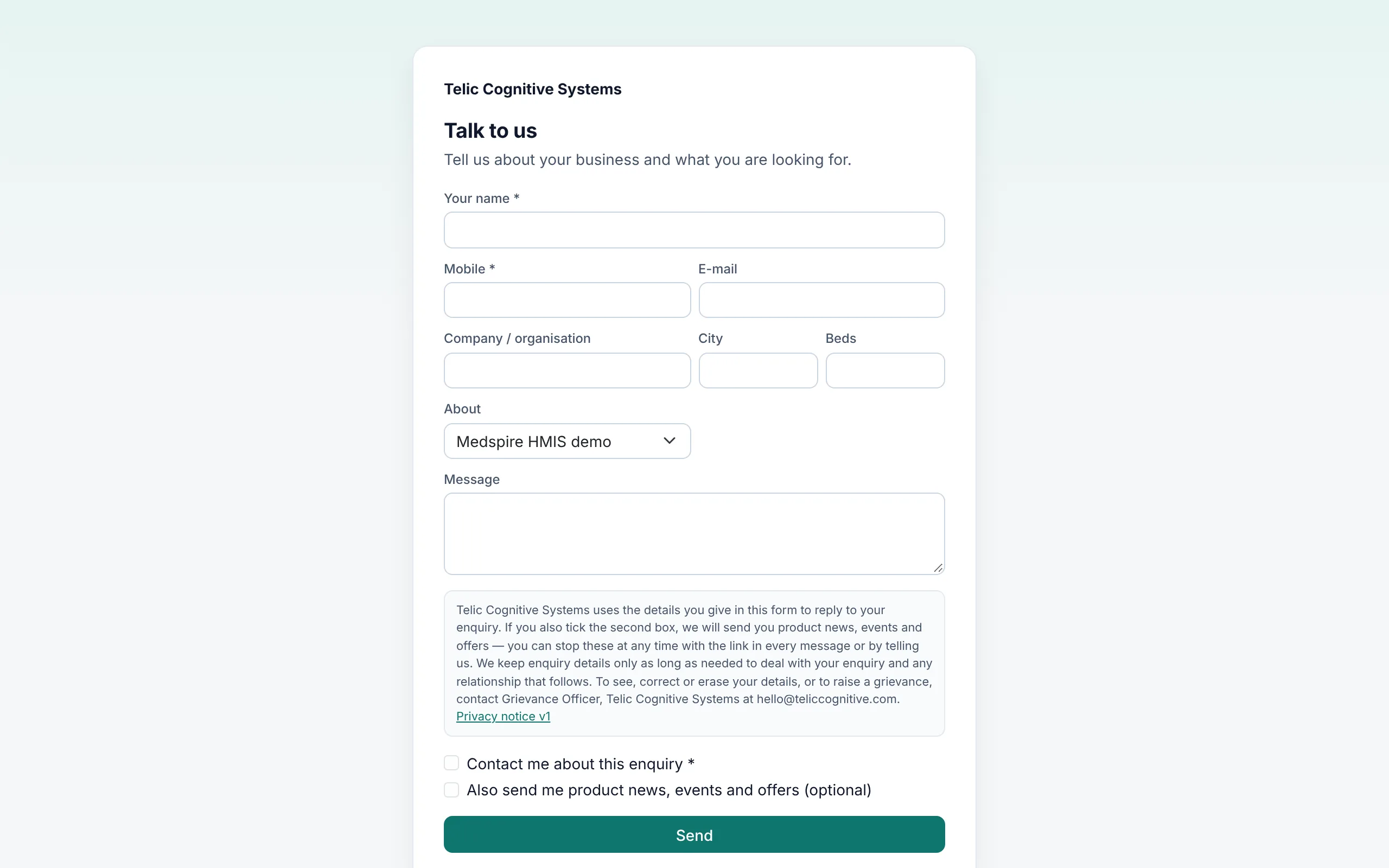
The form shows your privacy notice and the two consent boxes; only the first is required. Spam is filtered and repeated submissions are slowed down.