
WhatsApp CRM — chat with leads inside the CRM
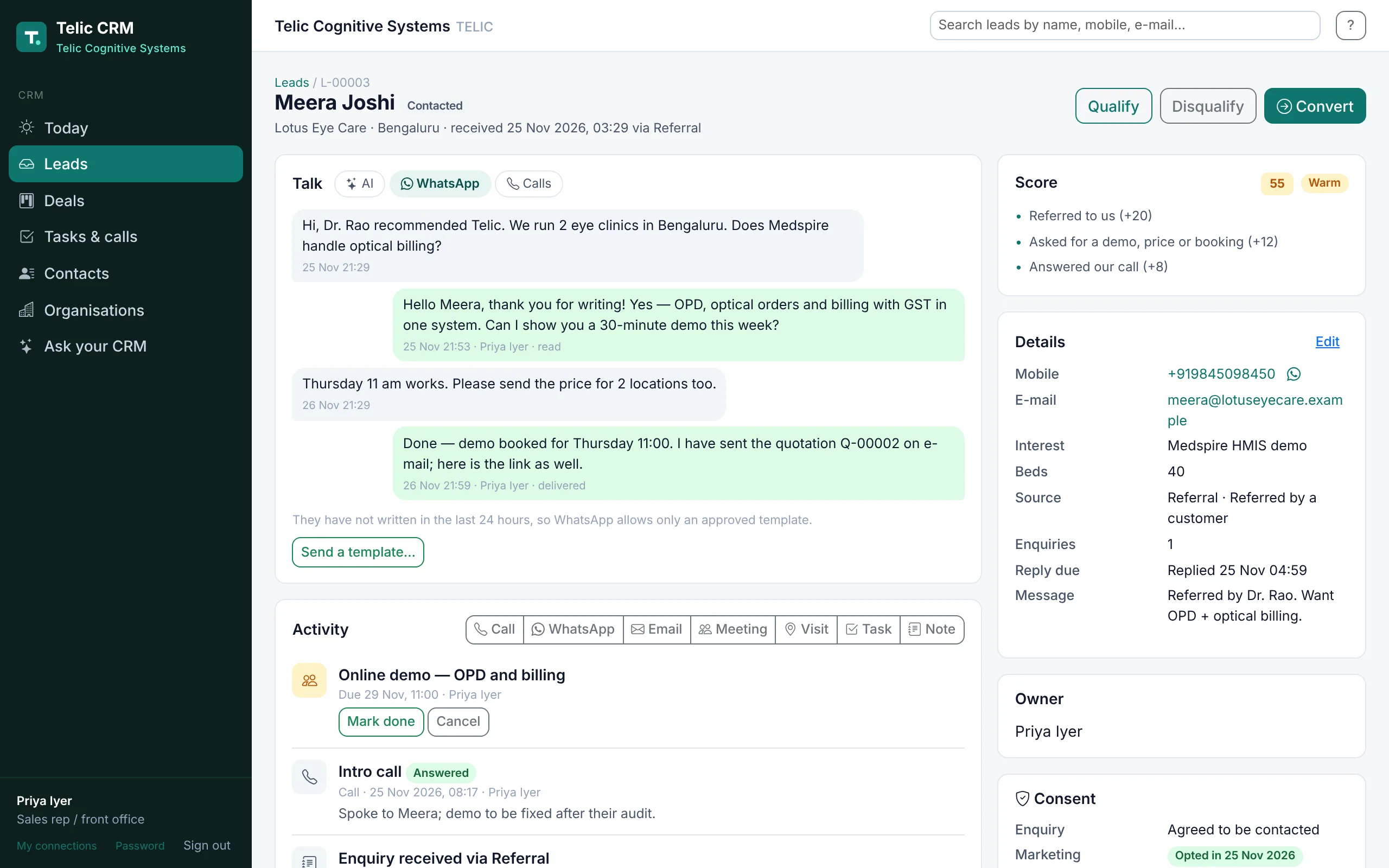
The whole WhatsApp conversation on the lead — sent and received from the CRM, with templates and ticks.
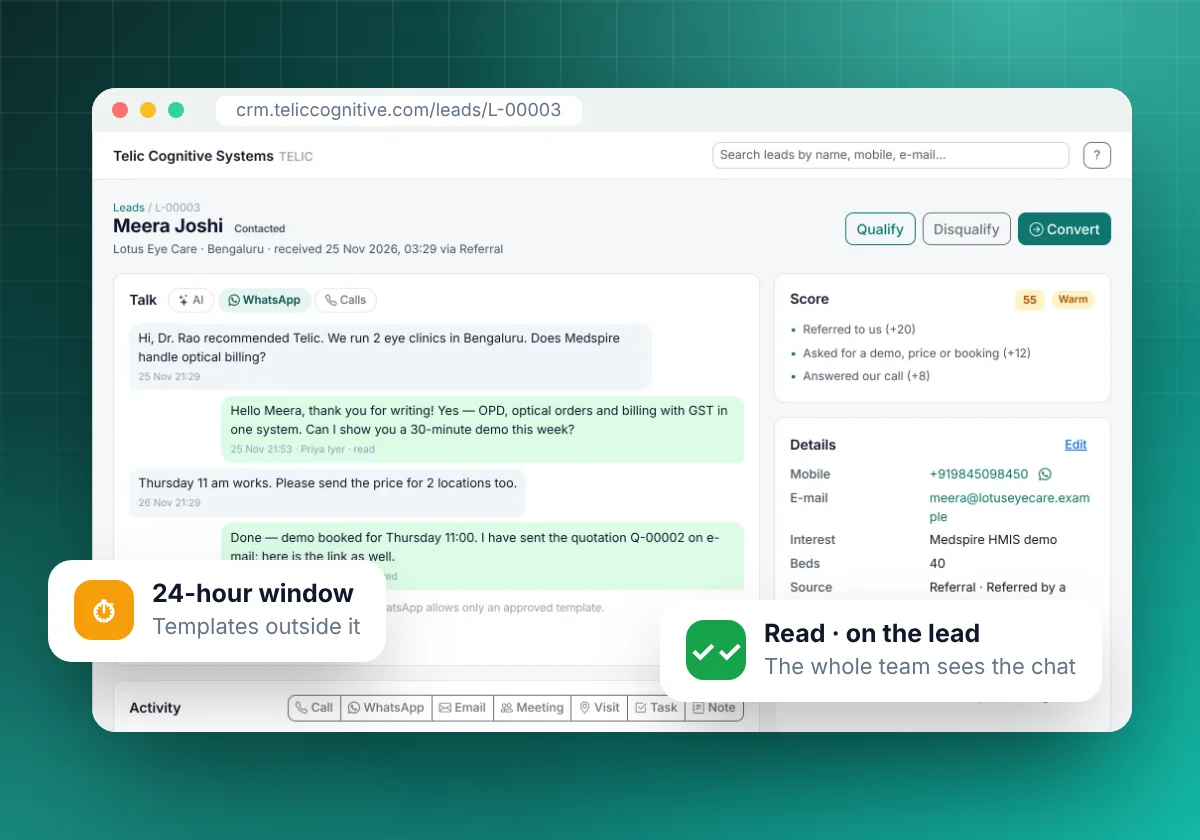
Customers enquire on WhatsApp; the conversation lives on one person's phone and never reaches the CRM. When that person is on leave, nobody knows what was promised.
What it does
- Your WhatsApp Business number connected through Telic Connect
- Two-way chat on the lead, contact or deal — sent, delivered and read ticks
- Free replies inside WhatsApp's 24-hour window; approved templates outside it
- A new chat from an unknown number can become a lead by itself
- AI drafts the reply from the conversation; a person always presses Send
From first step to done
Connect once
Link your Telic Connect number under Settings.
Chat on the record
Every message is on the lead's timeline, for the whole team.
Follow up on time
Templates and automation rules send the reminders.
WhatsApp inside the lead: frequently asked
Step-by-step help in the user guide:
Which WhatsApp account is needed?
A WhatsApp Business number on Meta's official platform, connected through Telic Connect. We help you set it up.
Will the AI send messages on its own?
No. The AI drafts a reply; a person reads it and presses Send. Automation rules only send templates you approved.
Can a new WhatsApp chat become a lead?
Yes. A message from an unknown number can create a lead with WhatsApp as the source.
Other features
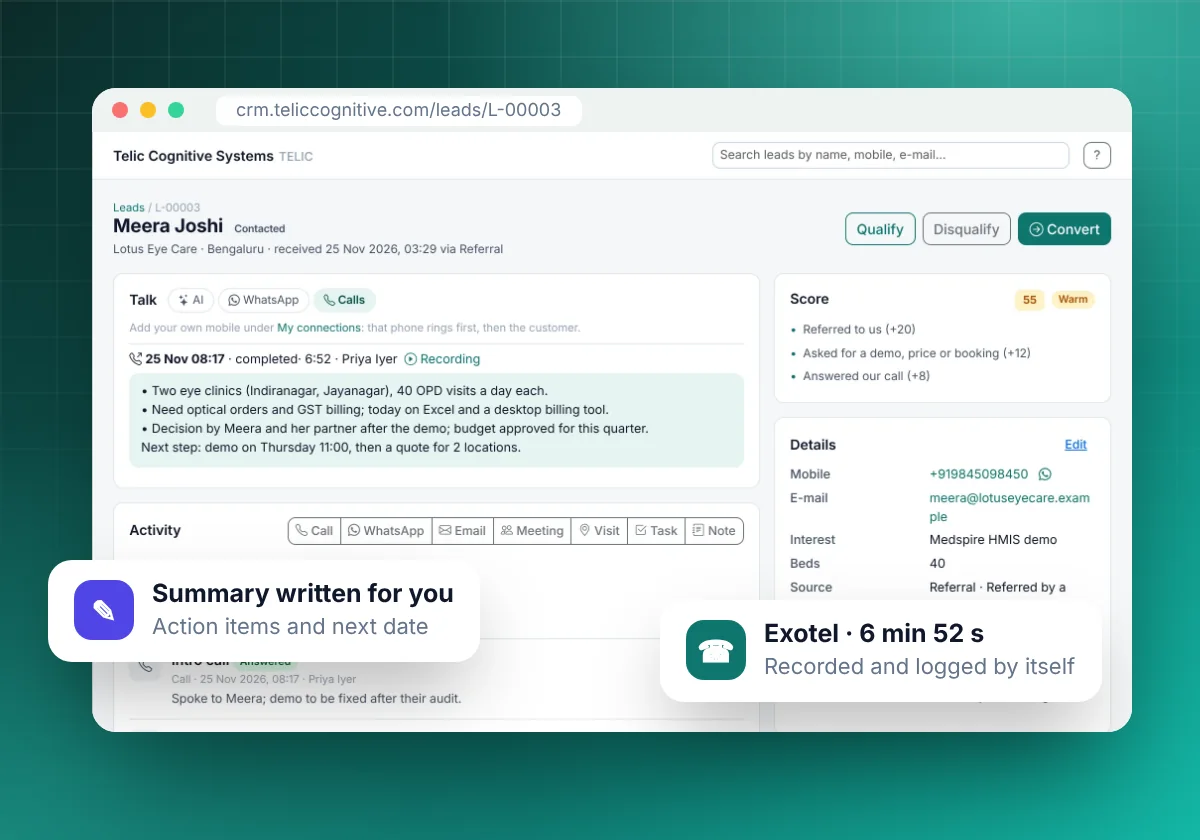
Calls through Exotel, MyOperator, Knowlarity
Click to call from the lead — recorded, logged and summarised by itself.
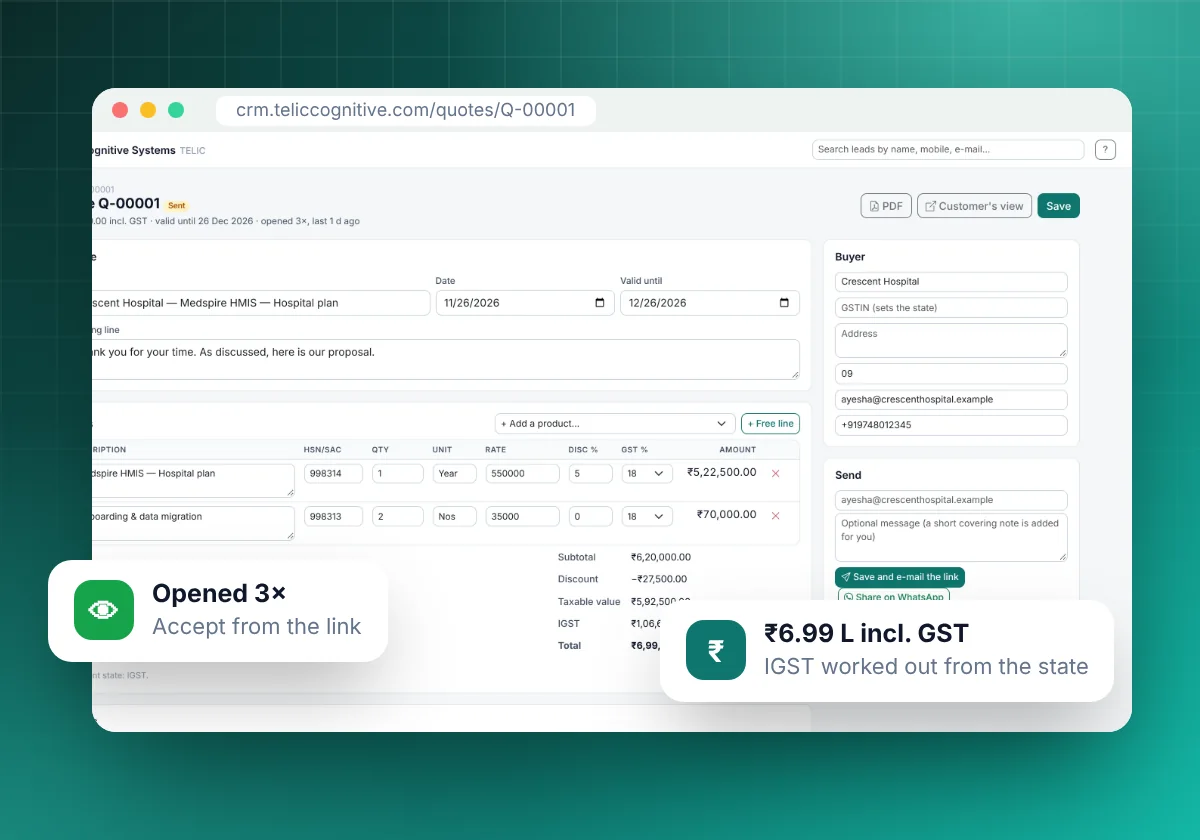
GST quotes & proposals
A GST-correct quote from the deal in a minute — the customer views and accepts it from a link.
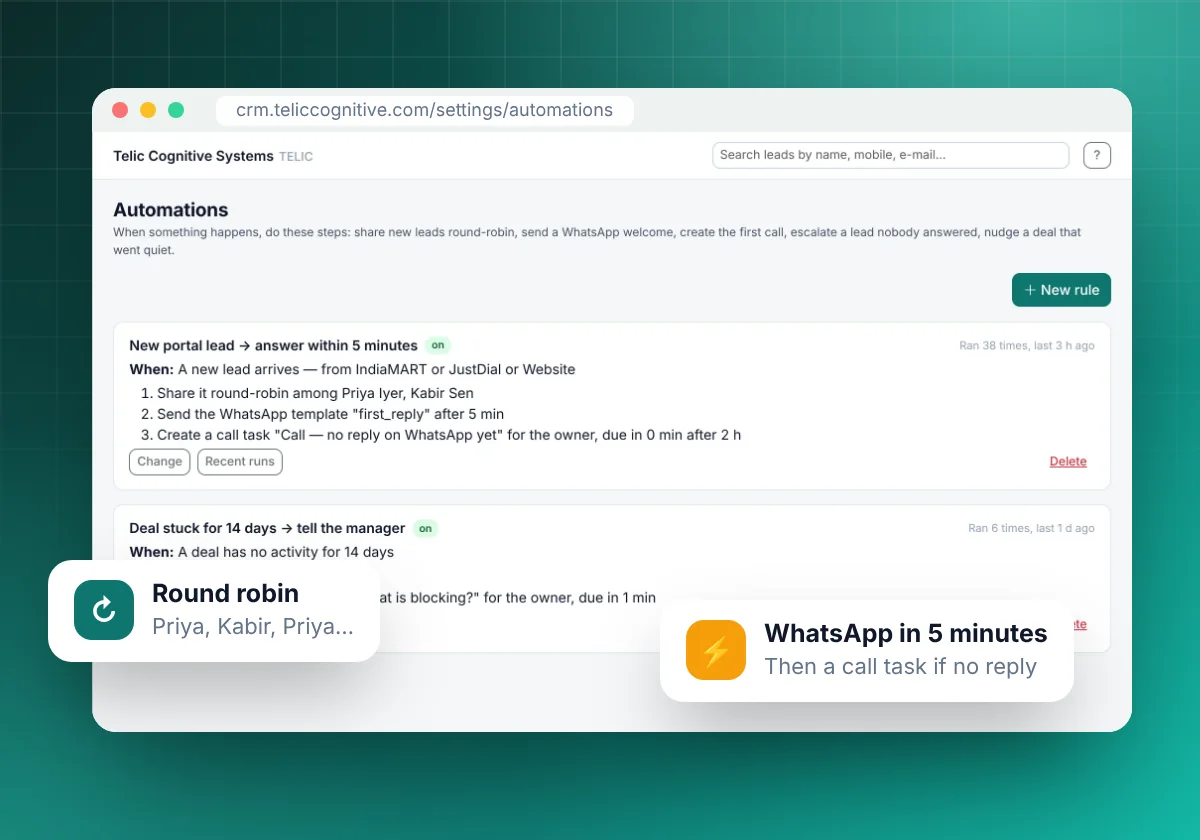
Automation rules
When this happens, do these steps — assign, WhatsApp, e-mail, task, notify — on their own.
See it with your own leads
A 30-minute demo on your process, or a trial workspace set up for your industry.